Keep an eye on competitors
Your Director quietly watches accounts like yours and turns what it sees into strategy notes and ready-to-use ideas. You don’t have to scroll competitor feeds — the useful signals come to you.
See your competitor signals
Open Overview (click Overview next to your profile picture in the top bar) and look at the Strategy card.
The left side holds your Director’s current strategy notes. Each note has a category tag and a confidence bar — the percentage is how sure your Director is, based on what it’s seen across your account and similar ones. The right side shows fresh inspiration: thumbnails of videos that performed well on accounts like yours. The small avatar on each thumbnail is the source account — click it to open that account on its platform.
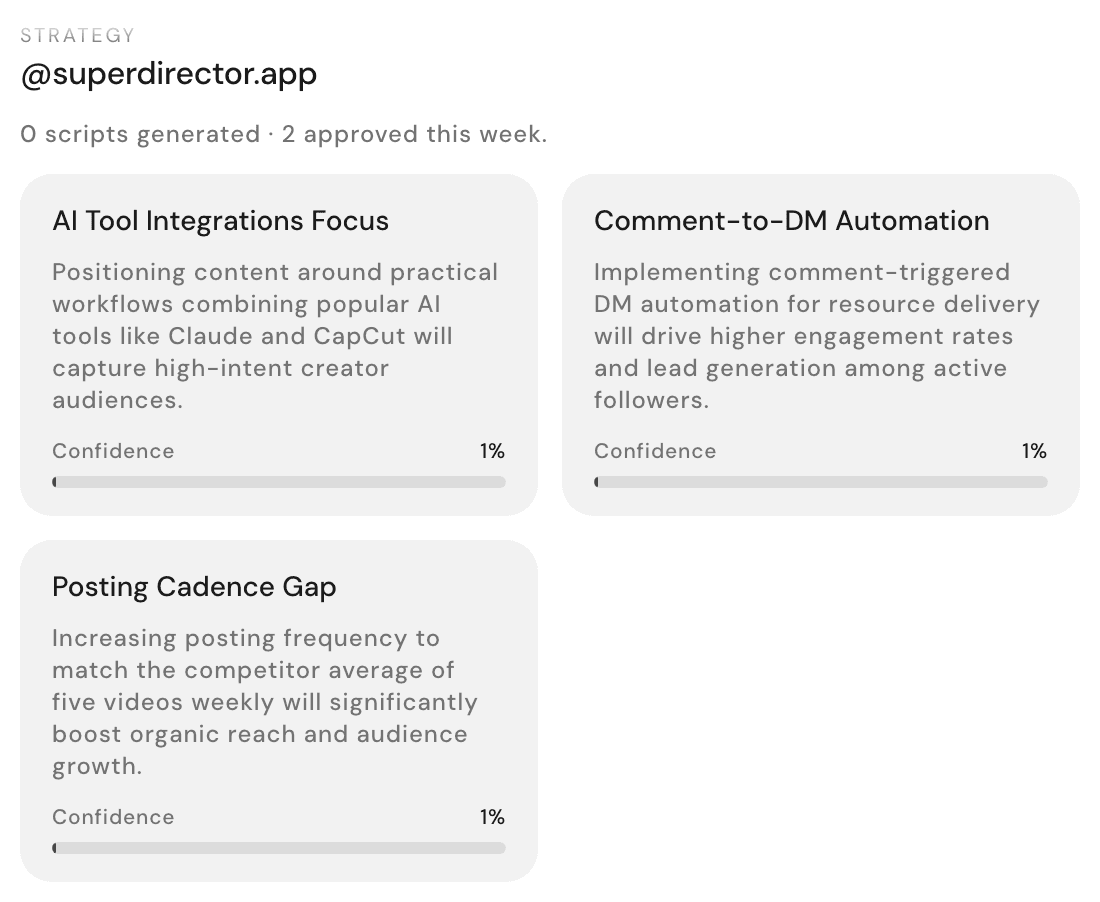
Click View details to expand the card into full Strategy and Inspiration sections, with a Find more inspiration button when you want a wider net. And if you’d rather act than read, click Follow strategy — your Director drafts short-video scripts that follow your current strategy, for you to review before anything happens.
Find accounts like yours
Ask in any chat, in plain words:
find accounts like mineWhile it looks, the card reads Searching accounts and fills in as matches arrive. The finished Similar accounts card lists each account with its handle — click one to open it on its platform. If your Director went hunting for brand-new matches, the card is labeled Discovered accounts instead.
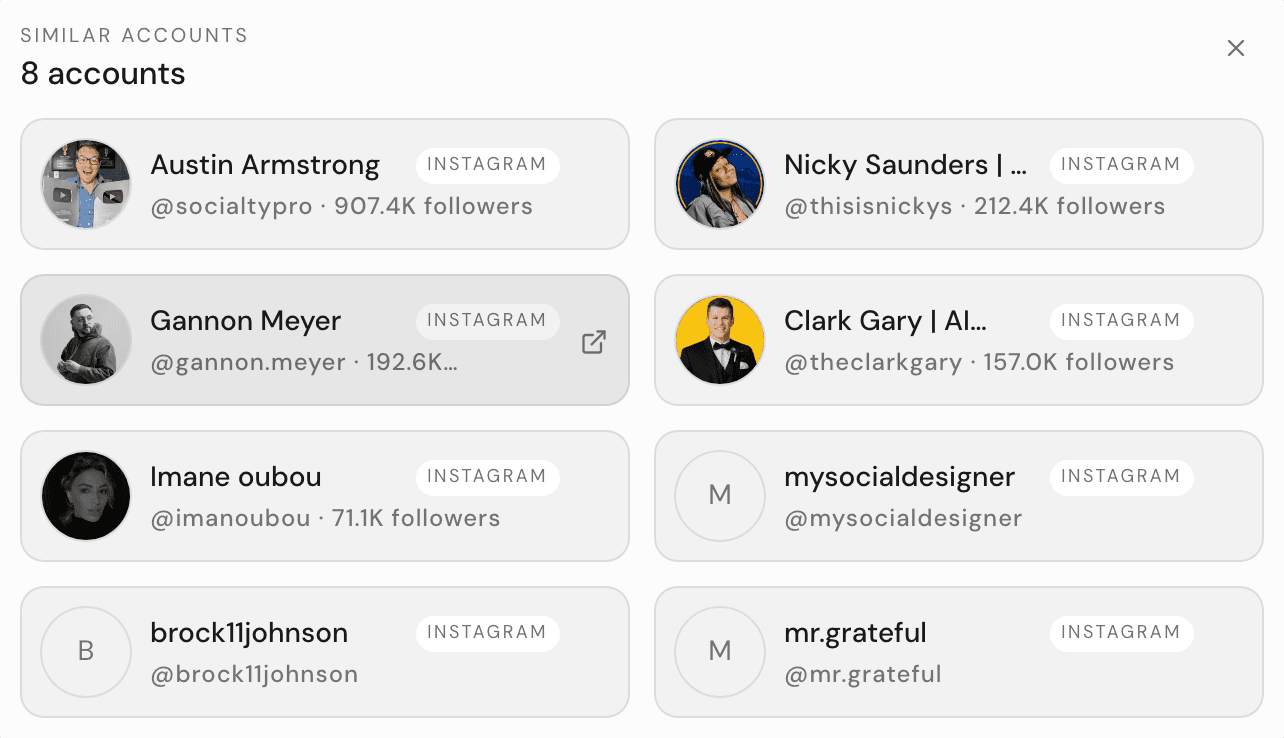
Want to steer the search? Add a focus: "find accounts like mine, focused on home coffee brewing."
"What changed": spotting moves worth copying
The fastest way to catch a competitor’s move is to ask:
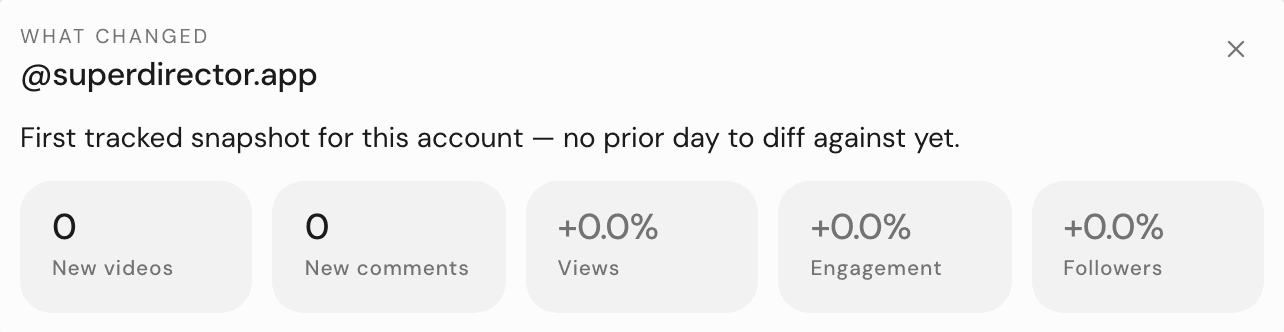
what changed since yesterday?Your Director answers with a What changed card: a one-line summary, then tiles for New videos, New comments, Views, Engagement, and Followers, plus a Videos that moved list showing exactly which posts gained ground. On a quiet day it simply says "Nothing changed in the last 24h." — that’s normal.
Turn a competitor’s win into your idea
When you spot something worth borrowing, you have three moves — each ends with your Director proposing, never publishing:
- Hover an inspiration thumbnail on the Strategy card and click Use this idea. A new conversation opens with a ready-made request in the message box — review it and press send.
- Click Find more like this on the same thumbnail to gather more ideas in that direction before committing.
- Paste the competitor’s video link into chat for a full breakdown of why it worked — see Learn from any video.
You can also just describe what you want: "Look at how @theirhandle approaches their content and propose changes to my strategy." Every idea gets filtered through your Brand DNA, so what comes back fits your brand — not theirs. For the full idea workflow, see Get ideas that fit your brand.