

 ?
?


Start with your brand.
Add a profile or website, and it saves your Brand DNA.
Your brand



Your barrier needs help
Add your brand once. It adapts what’s going viral for every account you run.
* Upcoming. Not available yet.
Add a profile or website, and it saves your Brand DNA.
Your barrier needs help
Track what’s working across Instagram, TikTok, YouTube and X.

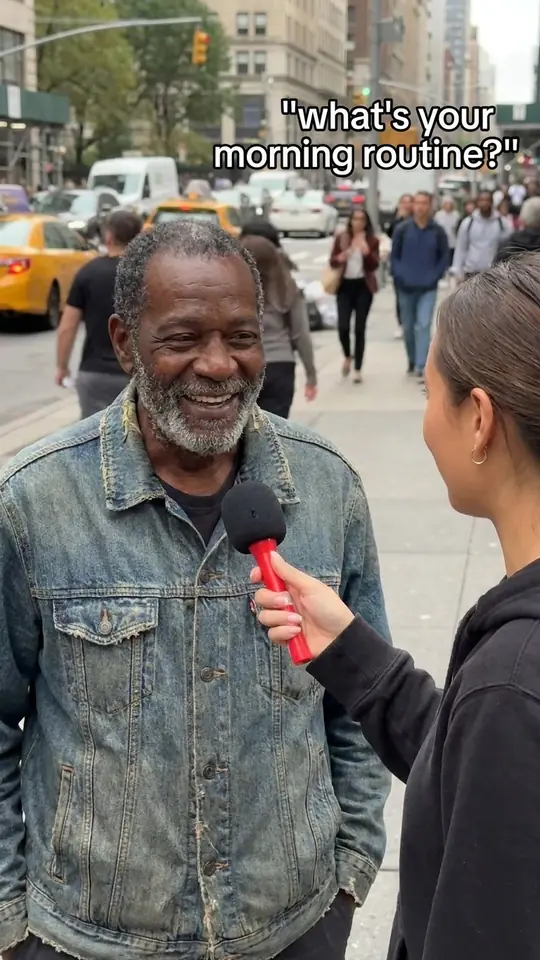
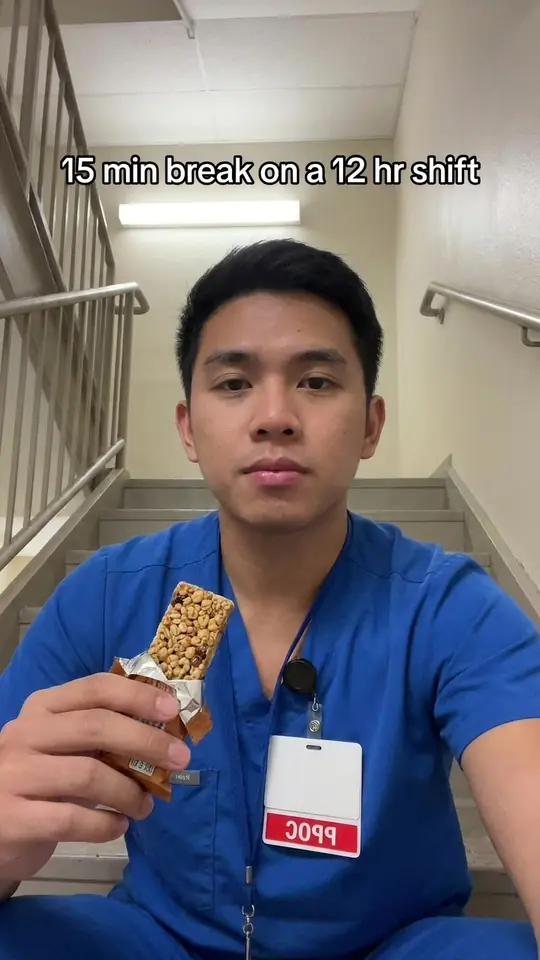
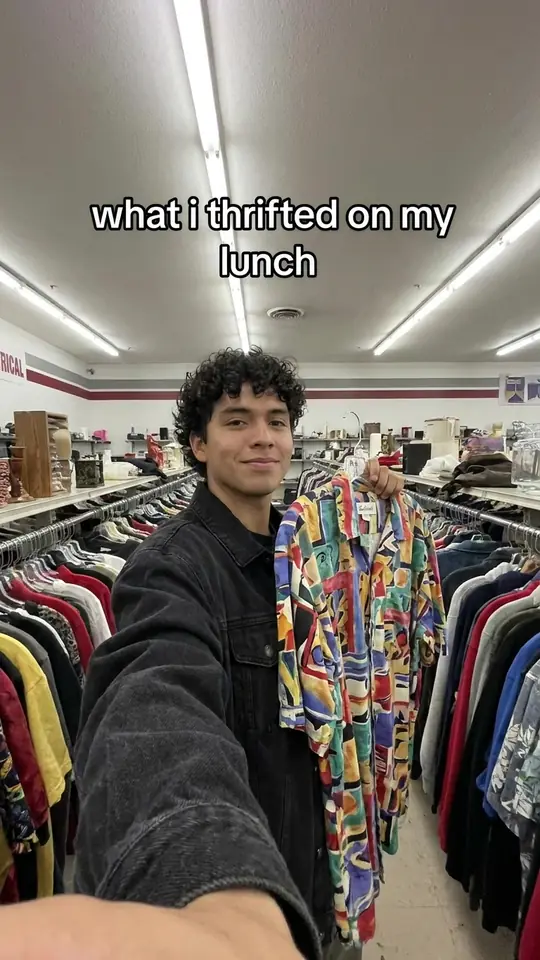
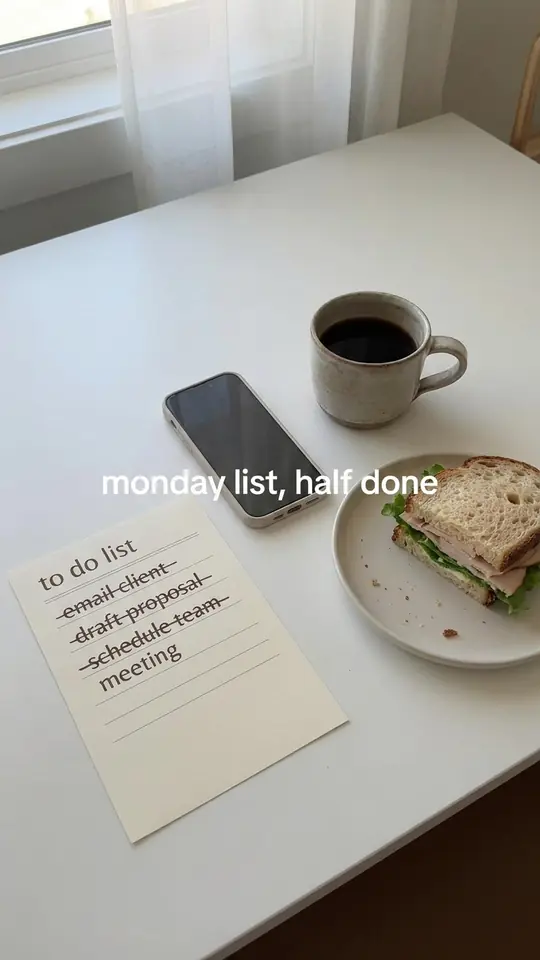
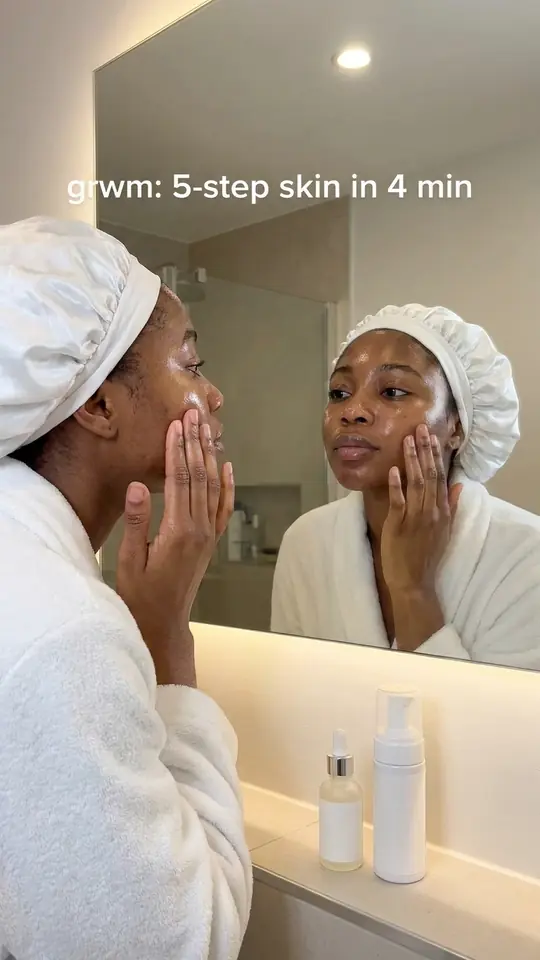
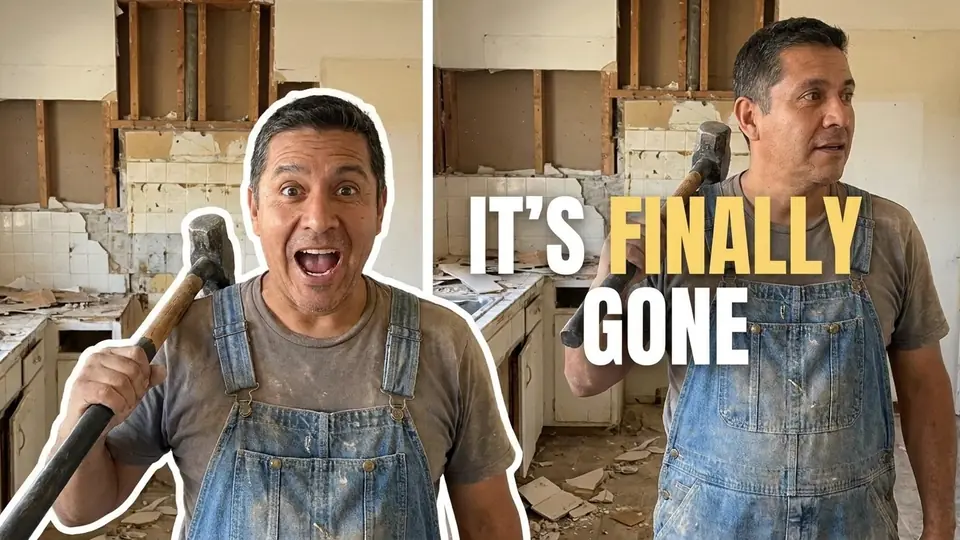
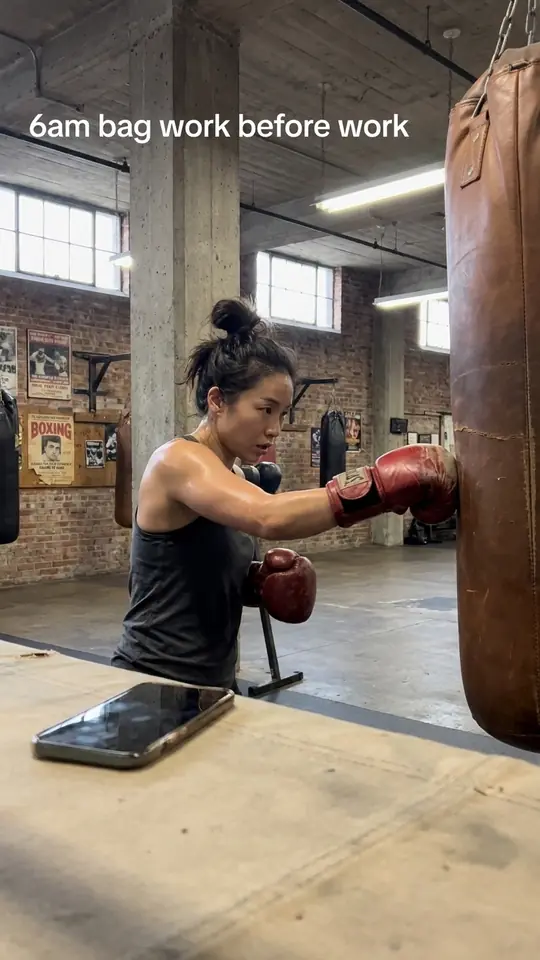
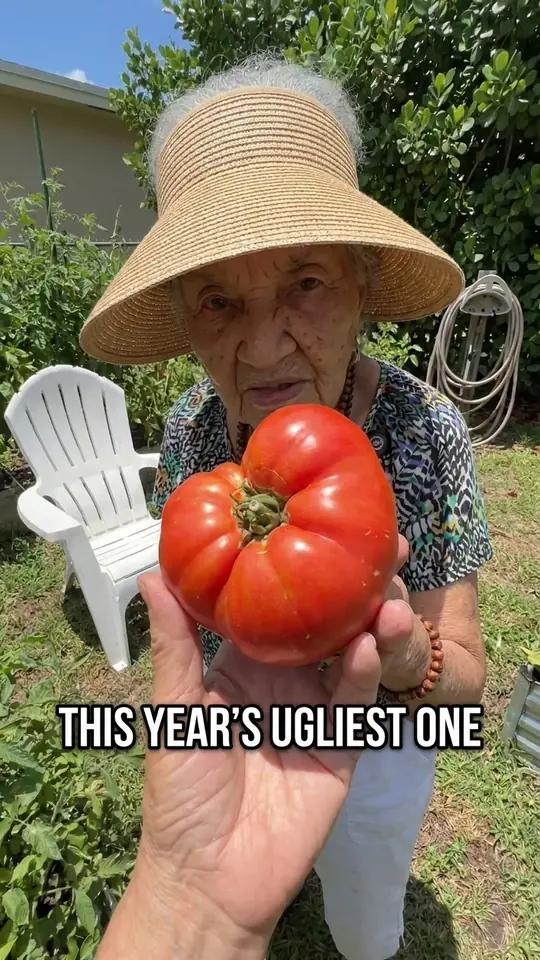

 Question hookFive-slide listMirror talk
Clone any viral idea or format, then set how close it stays.
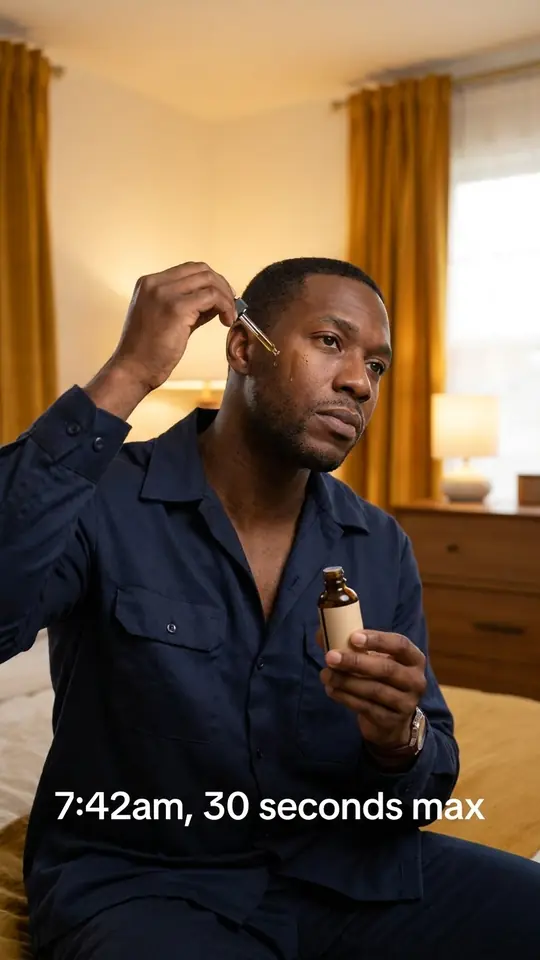

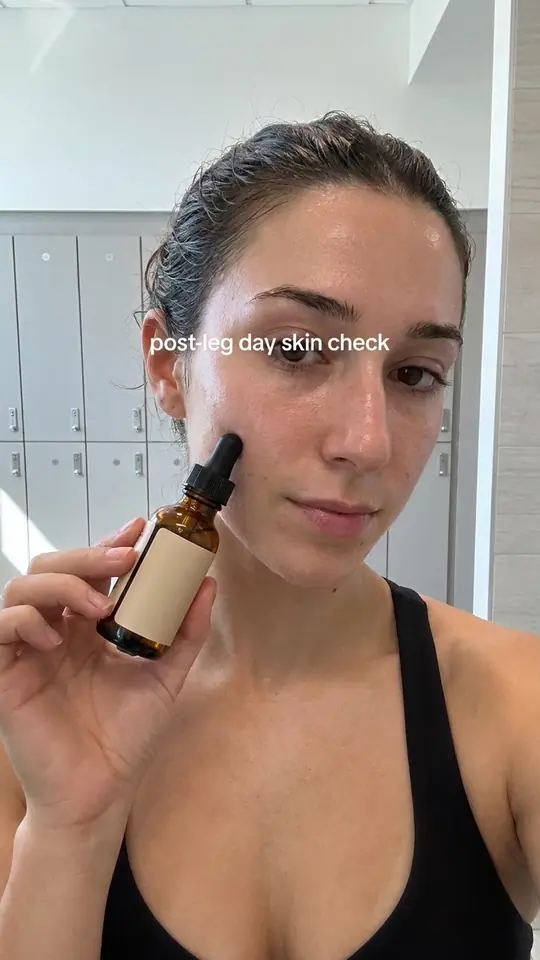
Connect ChatGPT, Claude, Codex or Claude Code. On a paid plan it pulls Reels, TikToks and covers. It can’t post.
 Connected


On Growth, approve each post or turn on Auto-post.
Edit any draft. Corrections guide the next one.
Cards show a credit estimate before they run.
You stay the publisher.
* Upcoming. Not available yet.
* Upcoming. Today Growth includes two accounts and each extra account is $99/month.
Learn what’s going viral, adapt ideas and formats to your brand, make carousels, X posts, reports and video scripts, and find creators. Your Canvas keeps every account’s sources and results together.
Superdirector prepares the research and creative work. On Growth, it can post Instagram carousels and X posts to your own accounts by your approval or a standing Auto-post. AI video generation is upcoming*; until then filming and final editing stay with you. * Upcoming. Not available yet.
Sign in and add at least one profile on Instagram, TikTok, YouTube or X, or a website. Preview your brand analysis and Canvas, then choose a plan before ordinary work begins. AI work uses your plan’s credits.