Superdirector for agencies
If you manage social accounts for clients, Superdirector becomes a Director for each one of them: one client, one Director, one isolated working space. The playbook below covers setup, keeping work separated, and the weekly routine across several accounts.
One profile per client — why it matters
Add each client as its own tracked brand. Your Director builds a separate Brand DNA for each one, so a bakery client never sounds like your fitness client. Performance numbers, competitor signals, and ideas stay separated too — which means everything you show a client is theirs alone.
To add a client, follow the steps in Add and switch between brands. The $29 plan includes 2 tracked profiles. Extra profile seats are not sold, so to track a new client past that, remove a profile you no longer manage or contact support.
Keep threads separated by client
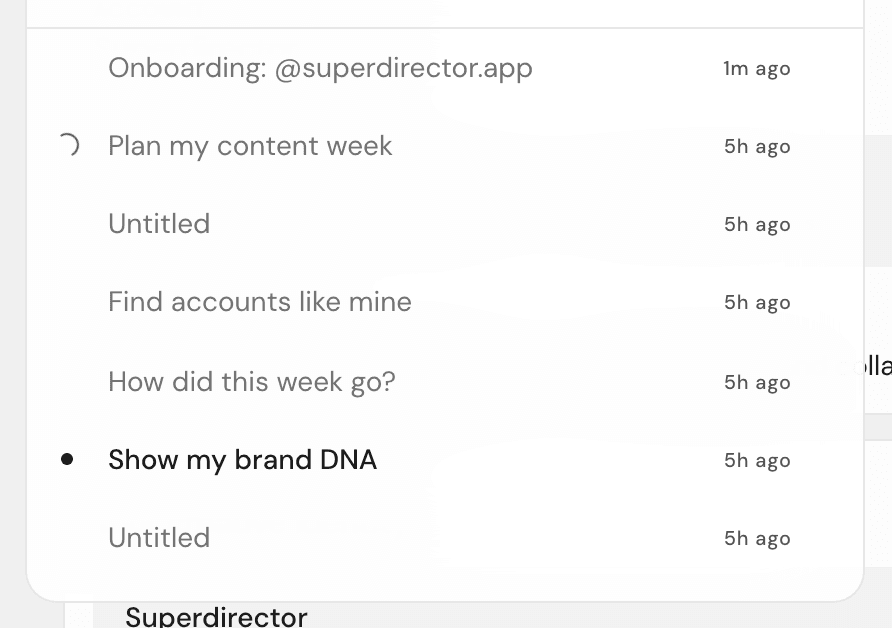
Every conversation with your Director belongs to one brand. When you switch to a client in the top bar, you see only that client’s threads — there’s no way to accidentally mix two clients’ work.
Two habits keep this tidy:
- Start a fresh thread for each project. Click New thread — if you have several brands, it asks you to pick a profile for the new thread.
- Keep one deliverable per thread: one thread for the January campaign, another for the competitor review. When a client asks "where did that script come from," the whole story is in one place.
Your Monday across five clients
Here’s a routine that takes about 10 minutes per client:
- Click the client’s photo in the top bar.
- Click Overview.
- Read the daily insight — it tells you what changed and what to do about it.
- Ask your Director: "how did this week go?"
- Ask: "plan my week." Your Director drafts a day-by-day content plan.
- Pick the strongest idea and start a script from it.
- Switch to the next client and repeat.
By the end of the loop you have a status read, a week plan, and one script in progress for every client.
Reporting back to clients
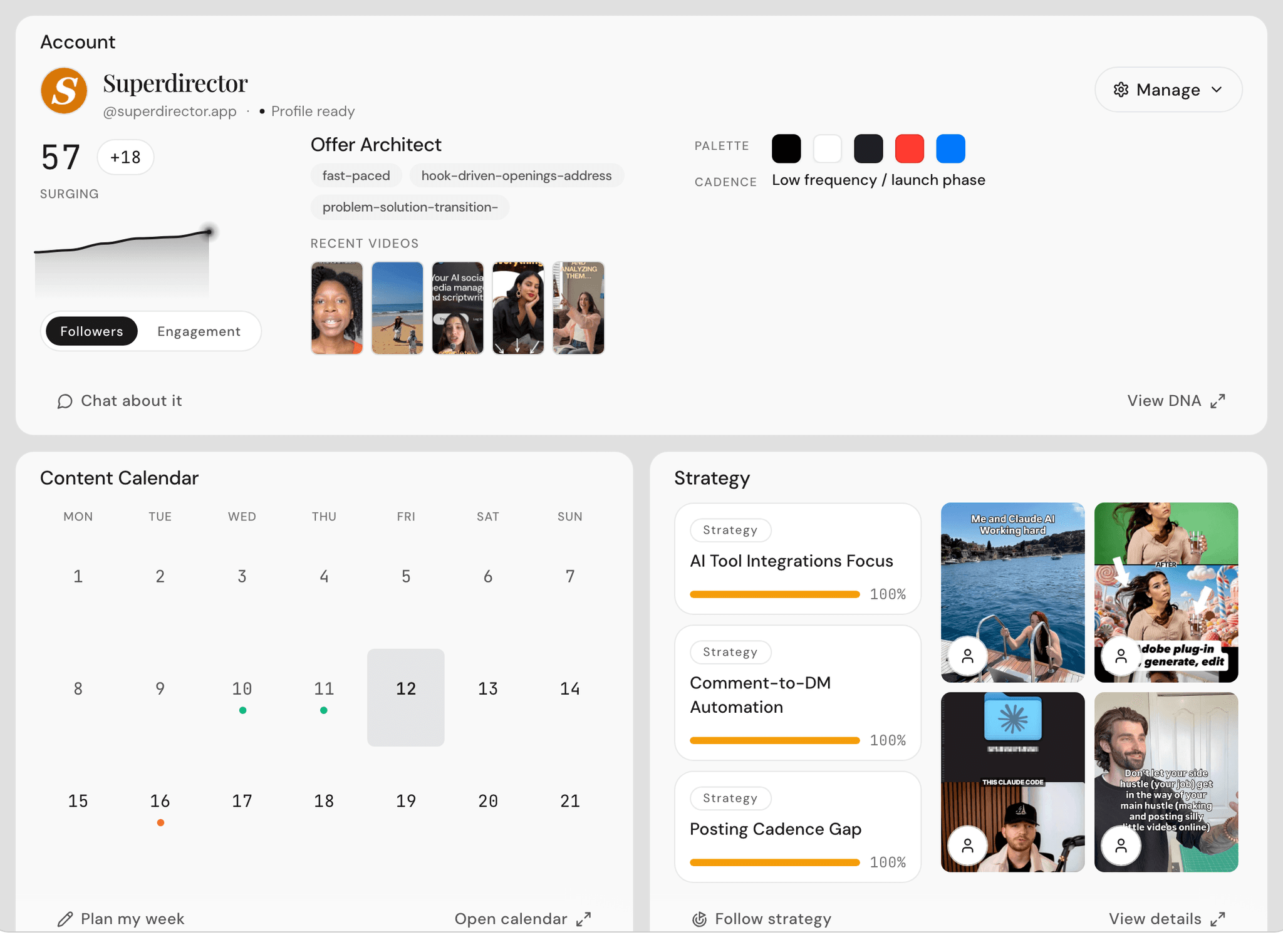
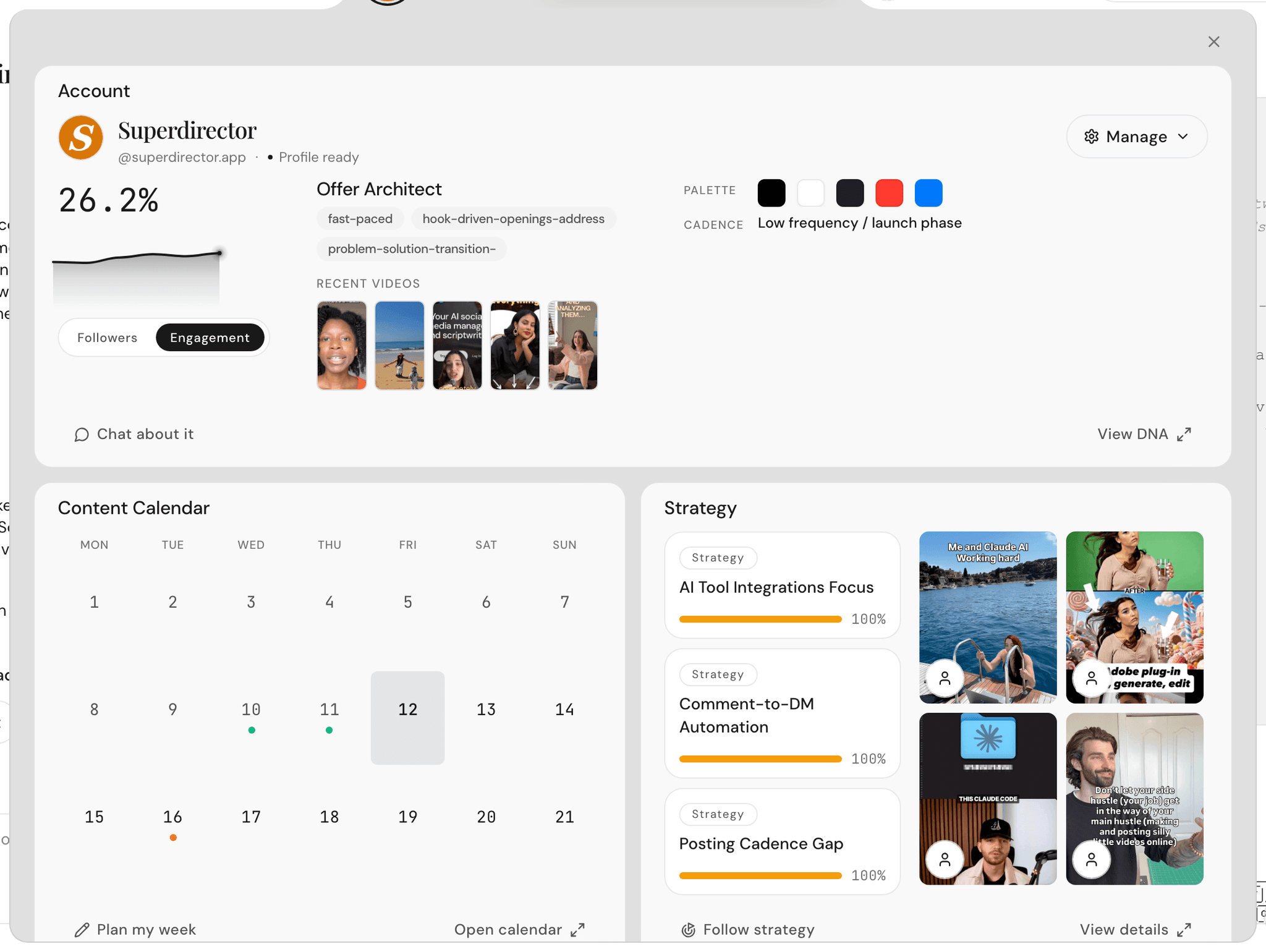
The Overview is your client-meeting screen. It shows the account’s followers and engagement, the planner, and competitor signals — all on one page, all specific to that client.
For talking points, open Daily insights. Each insight comes with recommended actions, so you can walk a client through "here’s what changed, and here’s what we’re doing about it" without preparing a deck.
Onboarding a private or brand-new client account
Some clients have private accounts, or accounts so new there’s nothing to learn from yet. Superdirector handles both:
- When you add the brand, check This is a private or new account.
- A new field appears. Enter the client’s website or blog (the field shows "brand.com or blog URL").
- Continue as normal.
Your Director builds the client’s Brand DNA from the public text on their site instead of their posts. Once the account starts publishing, the picture fills in from there.
When to consider the Managed service
If a client wants more than planning — creator outreach, UGC (customer-style video) production, approved ad spend, and reporting handled for them — that’s the Managed service. It starts at $1,500+/month: we take 25%, capped at $5,000, and approved reach spend is pass-through with no markup. Read more on the Managed service page.