Edit your script and storyboard
Your first draft is rarely your last. You edit two ways — asking your Director, or typing directly into the script — and you can redo a single storyboard frame, or fork a whole different direction, without losing what you already have.
Open the Script Editor tab
- Open the thread that holds your project.
- Click Script Editor in the tab strip at the top of the right-hand panel.
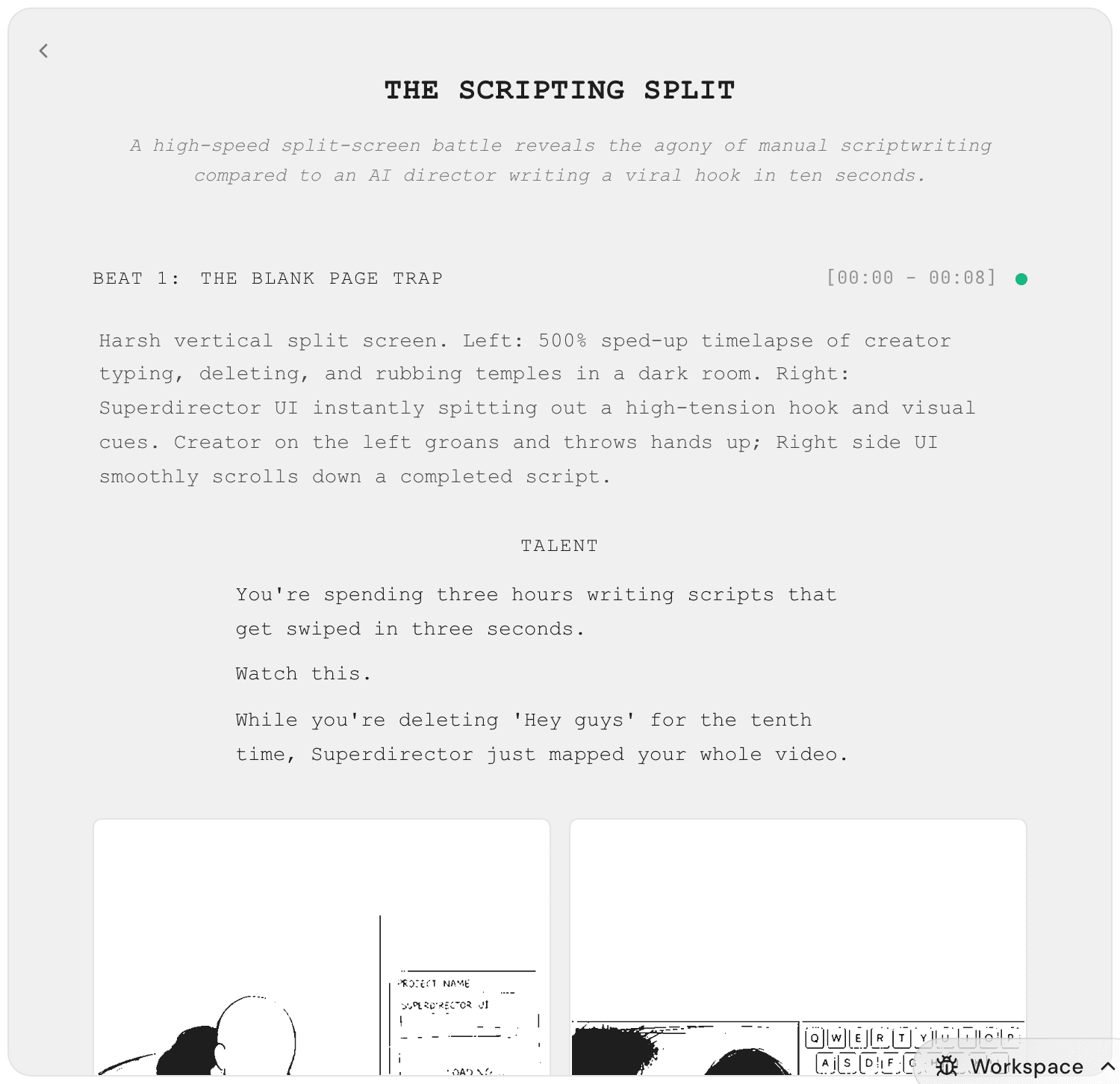
Your script appears as one flowing document: the hook, then every beat and line, ending with an — END — marker.
Edit by asking vs. edit by typing
Edit by asking is best for changes of meaning — tone, pacing, a stronger hook. You can ask in chat, or work right inside the script with the selection toolbar.
- To ask in chat, type what you want: "Rewrite the hook — punchier, ask a question." Then send.
- Or select any text inside the script itself. A small toolbar pops up next to your selection.
- Click Rewrite inline to rewrite just that line, right where it sits.
- Click Edit with AI to send the selected text into chat, where you can explain the change you want.
- Click Reference to attach the selection to your next message, so your Director knows exactly which part you mean.
Edit by typing is best for small, certain changes — a product name, a price, one word you’d phrase differently.
- Click any line in the script.
- Type your change.
- Click anywhere else. The edit saves on its own — no save button.
The Storyboard tab: your shots as pictures
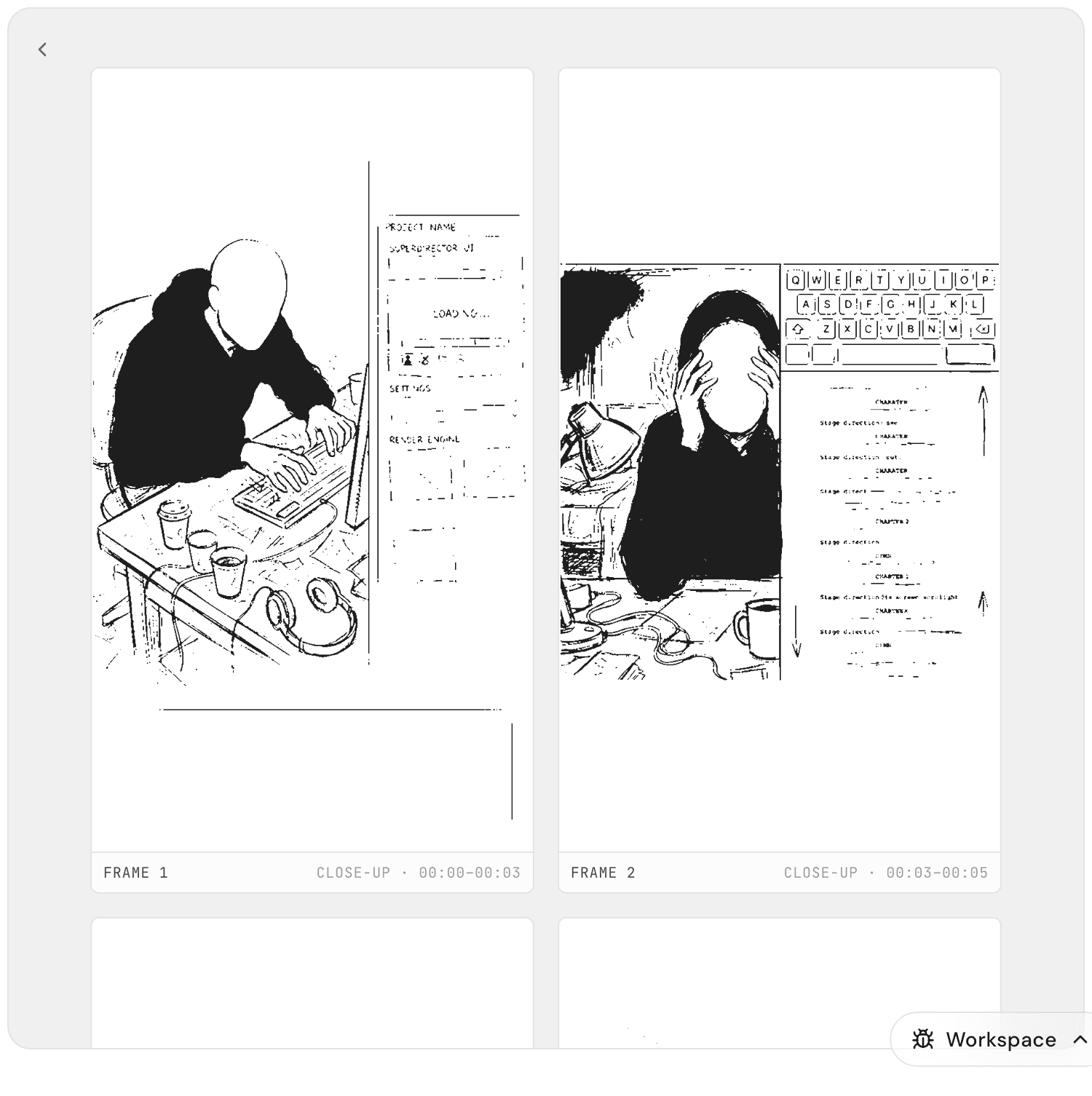
Click Storyboard in the tab strip. Each shot in your script appears as a drawn frame, with its frame number, camera framing, and time range. It’s the fastest way to check that the video in your head matches the video on the page.
Redo one frame, not the whole board
One odd-looking frame doesn’t mean starting over.
- A frame that has fallen out of sync with your latest script edits is marked STALE. Move your mouse over a stale frame and click Regenerate — only that frame is redrawn, the rest of the board stays put.
- Want a specific shot changed in a specific way? Say it in chat instead: "Regenerate shot 3, but make it a close-up of the cup."
Each frame takes a moment to redraw — you can keep editing while it works.
Fork to try a different direction
When you want to experiment without risking your current version:
- Click the thread pill in the navbar at the top of the page to open the thread list.
- Click Fork. You get a copy of the whole project in a new thread.
- Push the copy in a bold new direction — the original stays exactly as you left it.