How-To Guide
Five spoiler-aware videos for a puzzle game that looks static in screenshots
Turn five puzzles into short video briefs that show player decisions and visible consequences while protecting each puzzle's solution.
By the Superdirector editorial team.
At a glance
My puzzle game looks boring in screenshots. How can I turn five puzzles into short videos without spoiling their solutions?
Show the decision a player makes, one visible consequence, and an unresolved reason to play. Do not show an entire level merely to prove that your puzzle game has gameplay. Five puzzles can supply five different demonstrations: a tempting mistake, a new interaction, an elimination, a trade-off, and a near-finish state.
Show the decision a player makes, one visible consequence, and an unresolved reason to play. Do not show an entire level merely to prove that your puzzle game has gameplay. Five puzzles can supply five different demonstrations: a tempting mistake, a new interaction, an elimination, a trade-off, and a near-finish state.
This is a complete capture plan for a fictional Steam game called Sum Garden. Its grid has row and column targets; some cells are linked. Those mechanics are invented teaching inputs, not facts about an existing title. Use only the boards that match your actual game. The durations below are editing plans, not platform rules or proven optimal lengths.
Decide what the viewer may learn
For each puzzle, distinguish a rule from a discovery. Teaching that a row must total six is usually necessary to understand the game. Revealing the one unexpected arrangement that solves its best level may remove the interesting discovery. Label your footage before editing:
- Green: controls and ordinary rule feedback on a practice board.
- Amber: a useful deduction or intermediate state from a real puzzle.
- Red: the final answer, signature trick, or a sequence that reconstructs it.
These are production labels, not universal spoiler categories. Your designer decides which discoveries matter. A tutorial rule can itself be a surprise in a discovery-driven game. In that case, use an earlier rule or explain the overall player activity without revealing the rule.
Completed capture record: Sum Garden, practice board SG-P2, build DEMO-A, green material through the first legal placement; amber after the linked-cell interaction; red after the second placement establishes the unique solution. Allowed export ends before that second placement. The board is a demonstration board and will be labeled that way rather than presented as a shipped level.
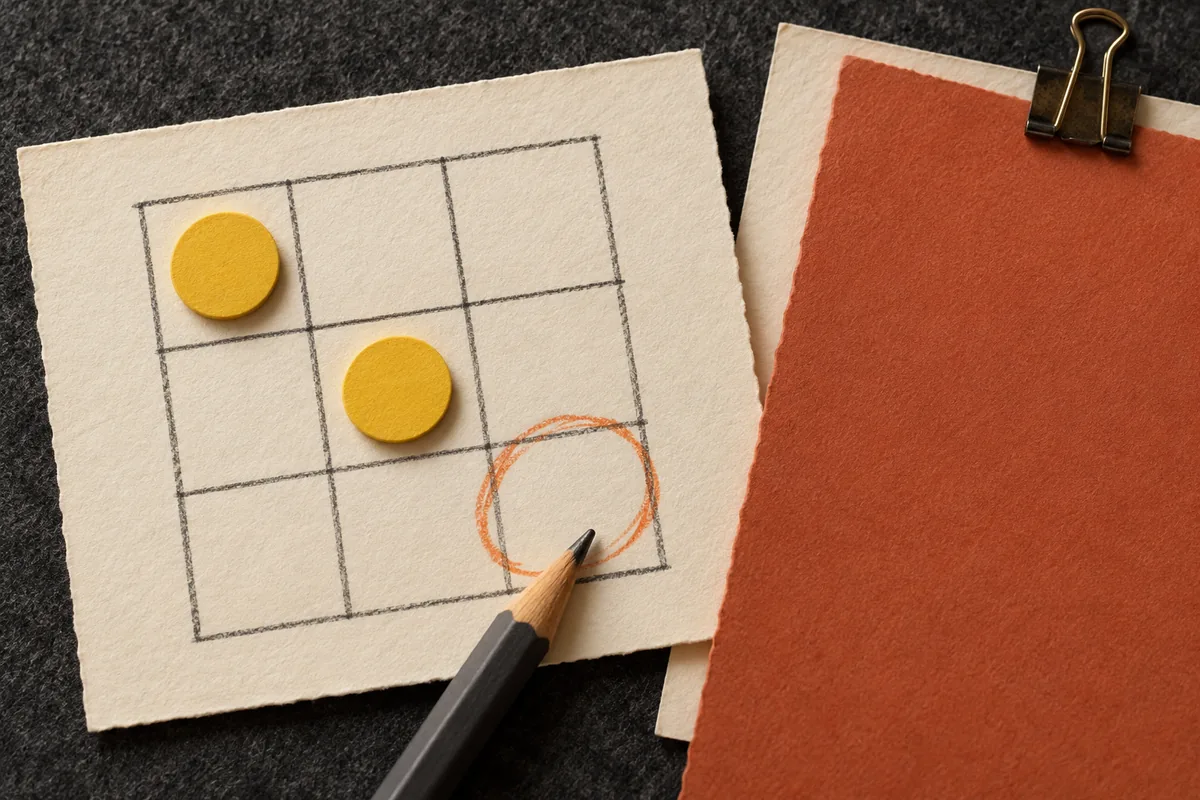
AI-generated planning illustration. Show the decision, not the answer: the final discovery stays covered. These are fictional planning cards, not shipped game screens.
These abstract planning cards do not represent an actual Sum Garden level.
Original visual by the Superdirector editorial team. Created 2026-10-20.
Video 1: the move that fixes one problem and creates another
Capture a board with a row target of six. Its visible values are two, one and an empty cell. Show the player trying three. The row succeeds, but the column containing that cell exceeds its displayed target. Construct a valid practice board with those properties before filming; do not fake feedback in the editor.
0–3 seconds: hold the row and its target. Caption: “This row needs three more.” 3–7 seconds: place three; show the real row success and column conflict. 7–11 seconds: outline the column with a simple annotation. Caption: “But every column must work too.” 11–15 seconds: undo and hold the decision. End card: “Sum Garden. Find your next move on Steam.”
Keep the column target visible from the start. Otherwise the conflict feels arbitrary. Stop before the correcting move. The usable takeaway is the interaction between constraints, not the solution.
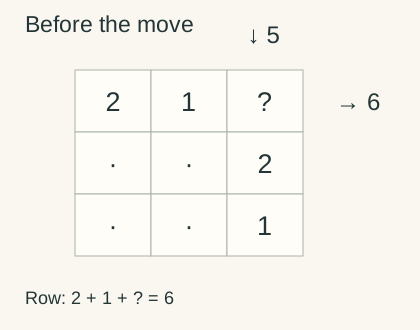
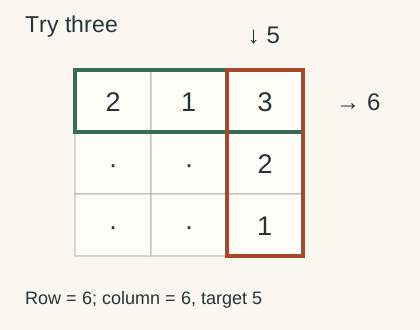
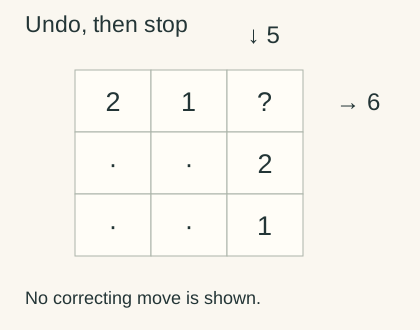
Fictional constraint sketch, not gameplay. Trying 3 makes the row total 6 but the column total 6 against a target of 5. Undo before revealing a correction.
This is a partial constraint excerpt, not a validated full level. Dots indicate omitted cells, not zero; the other placements may change.
Original visual by the Superdirector editorial team. Created 2026-10-20.
Video 2: a move that changes two cells
Use a throwaway board to introduce linked cells. Frame both cells and their connection. Avoid a tight crop that makes the second change look like a hidden rule.
0–4 seconds: show the pair with the caption “These two cells move together.” 4–9 seconds: make one legal input and allow both cells to change in the actual game. 9–14 seconds: show the row totals affected by each cell. Caption: “One choice. Two totals to balance.” 14–18 seconds: return to the choice point, then show the game name and current destination.
The ending must not imply that every puzzle uses linked cells unless that is true. A specific line such as “Meet linked cells in the later puzzles” is better than presenting an occasional mechanic as the entire game. Mark practice-board footage clearly.
Video 3: eliminate a possibility without solving the level
Choose a simple practice state with two labeled placements, A and B. The visible row needs two, so a three cannot fit there. Use a board where this is sufficient information; do not require a clue outside the frame.
0–4 seconds: show both options. Caption: “Which move is already impossible?” 4–8 seconds: leave the relevant total and choices still enough to inspect. 8–12 seconds: demonstrate A, the illegal three, and show the genuine feedback. 12–16 seconds: undo it. Caption: “One possibility ruled out. The puzzle remains.”
This is an honest elimination question, not a rigged engagement trick. Do not write “only geniuses can solve this” or invent a percentage of people who fail. Viewers need neither embarrassment nor a misleading challenge to understand a deduction.
Video 4: one move, two competing goals
Film a legal move that brings one row closer to its target while leaving another constraint unresolved. Unlike video 1, the point is not an error. It is the need to plan across the board.
0–4 seconds: show two highlighted targets. Caption: “Both totals have to work.” 4–10 seconds: make the move with all affected cells visible. 10–15 seconds: pause on the new state. Caption: “Better here. Still unfinished there.” 15–20 seconds: return to the starting choice and end with the current Steam invitation.
Use restrained annotations. A quiet logic game should not be made to resemble a frantic reaction game by adding explosions, fake urgency or invented failure effects. The mental activity is the attraction.
Video 5: the almost-solved board
Choose a practice board with one remaining constraint but more than one visually plausible move. Confirm the displayed state has a valid solution before capture.
0–4 seconds: show the unfinished target. Caption: “One constraint left.” 4–9 seconds: make an unsuccessful attempt and show actual feedback. 9–13 seconds: undo it and settle on a clean unsolved frame. 13–18 seconds: caption “Your next move?” followed by the game name and accurate access status.
Check that the thumbnail, automatic preview and final frame do not expose the answer. Also inspect the reverse playback implied by any loop: an edit that jumps from a solved frame to an unsolved one can reveal precisely what you meant to withhold.
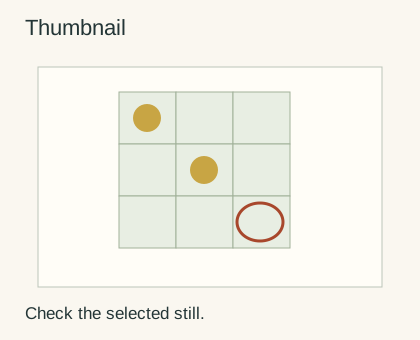
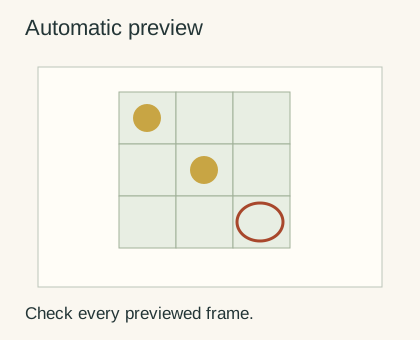
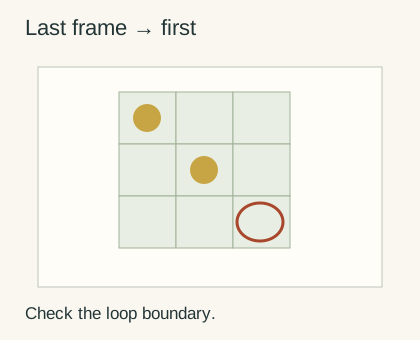
Illustrated spoiler-check locations, not platform screens: inspect the thumbnail, automatic preview and loop boundary. Keep each unresolved.
Original visual by the Superdirector editorial team. Created 2026-10-20.
Supporting references and limits
The source study inspected PlayPlay's teaser guide and ngram's production guide. Their issue-before-conclusion and production-checklist patterns informed the organization. Neither establishes game-specific results or validates these durations. The five boards, captions and spoiler decisions here are original teaching examples, not adaptations of source footage.