How-To Guide
A 21-day content plan for a cozy Steam game with no demo
Build a 21-day content plan for a cozy Steam game with no demo, using gameplay captures, honest feature claims and clear wishlist prompts.
By the Superdirector editorial team.
At a glance
My cozy Steam game has a store page but no demo. What can I post for 21 days to give players a reason to wishlist it?
A store page without a demo can still give players something concrete to evaluate: the repeated action, the pace, the world, the boundaries of the offer and the current state of development. Build your 21-day plan around those facts rather than finding 21 different ways to say “please wishlist.”
A store page without a demo can still give players something concrete to evaluate: the repeated action, the pace, the world, the boundaries of the offer and the current state of development. Build your 21-day plan around those facts rather than finding 21 different ways to say “please wishlist.”
The plan below uses an invented game, Moss Window, about arranging a tiny greenhouse and caring for its plants. Assume the team has working placement and watering interactions, a Steam Coming Soon page and no public playable build. The calendar is a production example, not evidence that daily posting improves results. Skip a day rather than invent footage or a milestone.
Establish your claim boundaries first
Make a three-column inventory: working, planned and undecided. For Moss Window, working means pot placement, watering and a day/night lighting cycle in the current build. Planned means additional plant varieties. Undecided means release date and final price. Do not casually move an item between columns to make a stronger caption.
Give every recording a build identifier and capture date in your production notes. You need not put internal build codes on the public screen, but you should be able to trace a clip when an interface changes. Use a simple visible “development footage” label where appropriate. A polished camera move does not make an unfinished feature a released one.
Create three reusable captures: a full interaction from empty shelf to arranged pots, a care action with visible feedback and a slow room tour. Also capture clean stills of the current interface and the actual store page. These are enough raw materials for the following plan; the posts still need distinct informational jobs.
Week one: explain what the player actually does
- The one-sentence game. Show placement, watering and the finished shelf. Caption: “Arrange a little greenhouse and care for what grows there.” Finish: “Moss Window is in development. Wishlist on Steam.”
- One uninterrupted choice. Show moving a pot between two locations. Caption: “Which corner would you choose?” Do not imply either choice changes plant health unless that mechanic exists.
- The pace. Use an unsped-up watering interaction. Caption: “A small task at the pace it actually plays.” Avoid universal claims that the game treats anxiety or improves wellbeing.
- The controls. Record the real placement input and undo. Caption: “Move it, try the arrangement, change your mind.” Do not display controller prompts if controller support is unverified.
- The visible feedback. Show the actual change after watering. Caption: “Here is how the current build shows that a plant has been watered.” Keep the example factual, not a promise of a complex simulation.
- The room's scale. Tour the playable space without cinematic angles that conceal its boundaries. Caption: “This is the greenhouse in the current build.” If expansion is only planned, say so separately.
- The offer recap. Make a three-card post: “In development,” “No public demo yet,” “Steam page available.” The next step is a wishlist, not an imaginary download.
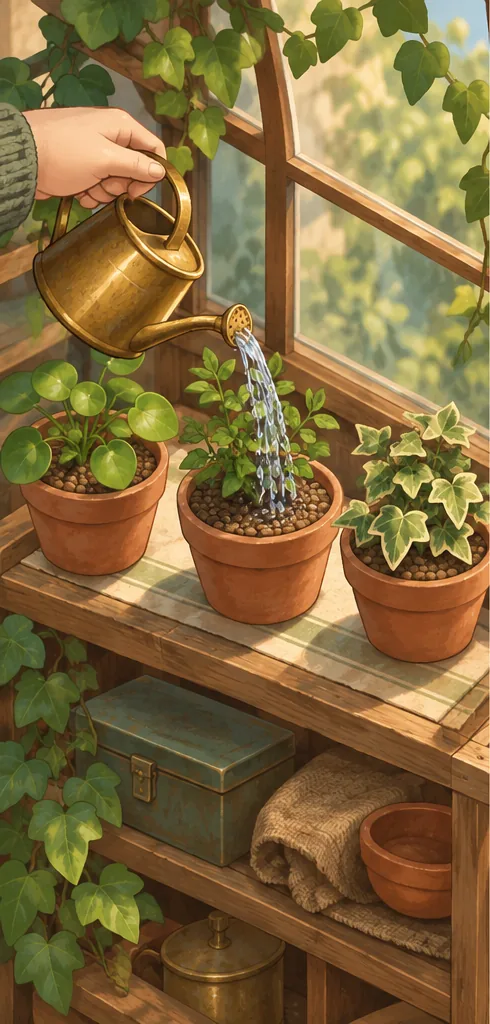
Visible feedback: darker soil after watering.
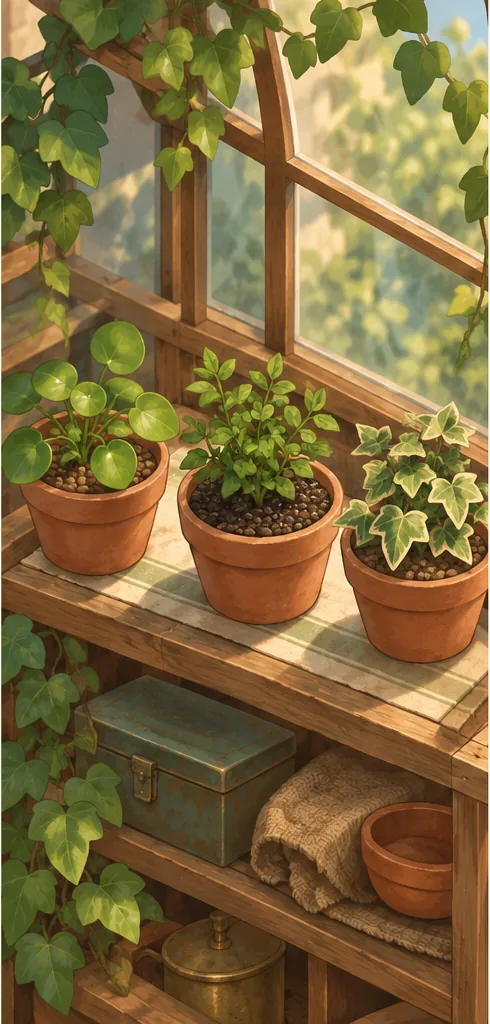
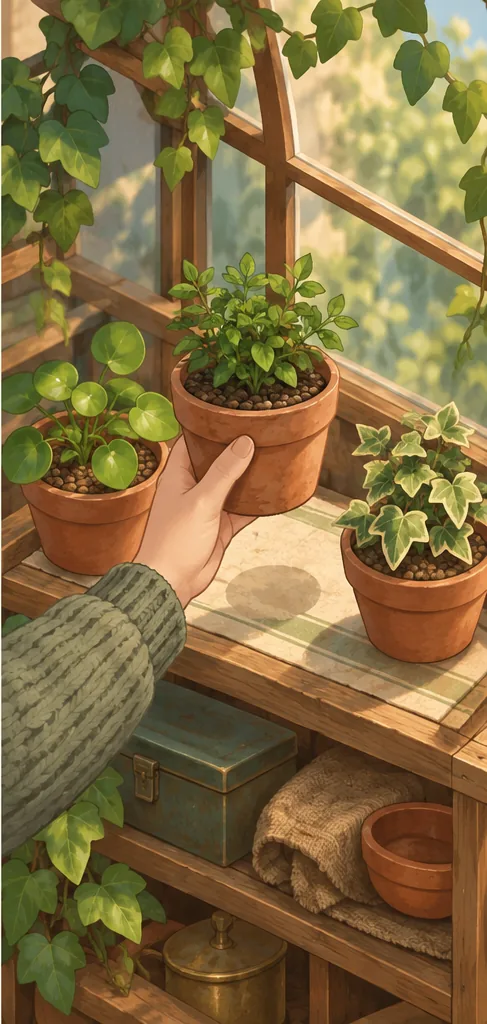
Hypothetical teaching art for the invented Moss Window example, not captured gameplay. Show an action, its visible feedback and the next arrangement choice using your actual build. This illustration does not establish that any mechanic exists; the example has no public demo.
AI-generated teaching illustration. Illustrated sequence: action, darker-soil feedback, then an arrangement choice. No plant growth or health result is demonstrated.
Original visual by the Superdirector editorial team. Created 2026-10-20.
Week two: show the choices inside the atmosphere
- Two layouts, same objects. Compare shelves arranged symmetrically and irregularly. Caption: “The same pots, two different corners.” This demonstrates expression without inventing a scoring system.
- A tiny production detail. Show a real art iteration side by side. Caption: “We changed the pot rim so it reads more clearly at game scale.” Use the actual reason, not this invented one, for your project.
- Light changes. Record the implemented day/night cycle from one fixed viewpoint. Caption: “One shelf through the current lighting cycle.” Label a time-lapse as accelerated.
- The ordinary loop. Show opening the space, arranging one object and doing one care task. Caption: “An ordinary visit, not a highlight reel.” Do not suggest that this proves session duration for every player.
- A bounded question. Show two existing arrangements and ask which is easier to read. Clarify that this is feedback, not a vote that commits the team to building a feature.
- An honest limitation. Use a text card over gameplay: “What is not ready: more plant varieties. What works now: placement and watering.” Replace this with the real status at publication.
- Answer a real question. If someone asked about platforms, answer only confirmed support. If no questions arrived, title it “Current platform status,” not “You all keep asking.”
Week three: make the decision and next step easy
- Who might enjoy it. Show the normal interaction and say: “For players who enjoy arranging small spaces and quiet care tasks.” This describes an interest rather than inventing an audience testimonial.
- Who might not. If true, state that the current concept is not about competitive speed or combat. Use real boundaries to reduce mismatched expectations; do not invent features just to reject them.
- What the store page explains. Screen-record the actual page's features and current status. Keep account information out of the capture. Correct discrepancies before directing people there.
- One interaction with sound. Let the real audio carry a placement or watering action. Add captions for relevant information. Confirm that your music and sound rights allow promotional use.
- A small current update. Show a verified change since day one. If no visible change exists, explain one unresolved task plainly. “Still checking readability” is more useful than a fabricated progress percentage.
- The complete promise. Combine three brief shots with the sentence from day one. Match the current store copy and identify any development footage. This is a clearer summary, not a new feature announcement.
- The decision card. “Moss Window is still in development, with no public demo. The Steam page has the current details. Wishlist it if you want to follow the game.” State a date only if confirmed.
Batch production without repetitive posts
Assign each post a proof asset and a question it answers. If two entries answer the same question with the same footage, combine them. Twenty-one is the planning horizon, not a quota that overrides usefulness. One recording can support several edits, but a crop change alone is not a different player reason to care.
Completed worksheet entry: day 8; question “Can I express a style?”; proof two arrangements using identical existing objects; claim “same pots, two layouts”; excluded claim “unlimited customization”; asset owner developer; destination current Steam page; check both arrangements possible in the captured build.
Blank record: day; player question; current fact; proof asset/build; exact caption; claim to avoid; destination; review finding; next revision. Complete this before opening the editor. It turns content production into verifying one useful fact rather than improvising increasingly ambitious promises.
Judge clarity before chasing volume
Track what players ask and whether those questions reveal a gap. If viewers think they can already play, correct the state label. If they see plants but cannot describe the activity, prioritize the uninterrupted interaction. A high view count does not prove interest in buying the full game.
Steam documents wishlists as a way for players to follow games and receive relevant notifications; it does not guarantee sales from your content calendar. Steamworks wishlist documentation.
Before the first post, compare the game's state, your end card and the destination. They should all tell the same story. Then make days one, three and seven first: the activity, the pace and the honest offer. Those three establish the foundation for every other post in the plan.