How-To Guide
Show your Steam Deck test without claiming Valve verification
It is not a shortcut to obtaining a badge or a promise that a badge will create demand.
Your demo runs on your Steam Deck. That is useful evidence, but it answers a different question from “Has Valve rated this game Verified?” Keep your own test footage, the current platform rating and untested behavior in separate parts of your launch message.
This guide is for an indie developer preparing a compatibility demonstration, particularly when a demo works but a review is not complete. It is not a shortcut to obtaining a badge or a promise that a badge will create demand.
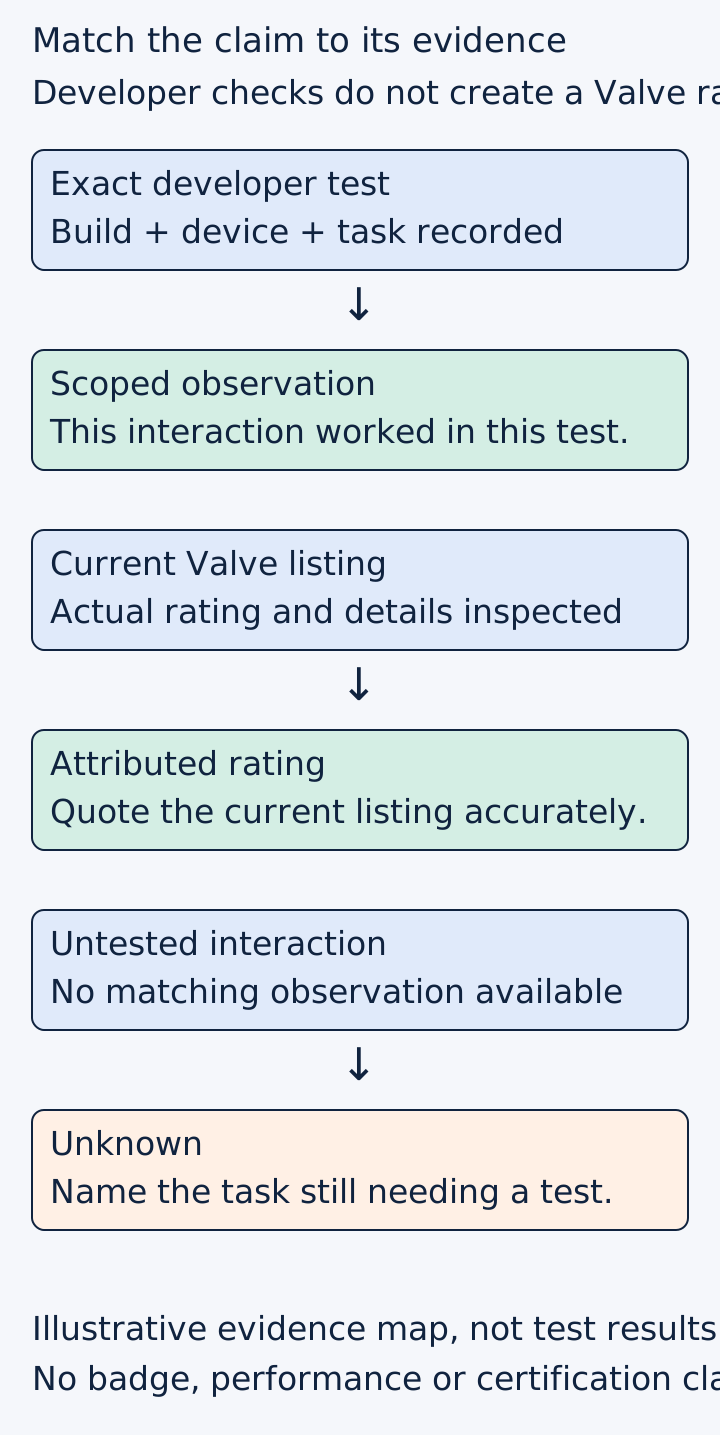
Original evidence map. Developer observations do not award or replace a platform rating.
 Superdirector
Make it work for your brand
Find it. Remake it. Post it. Superdirector turns the viral formats in your niche into your brand's carousels, X posts and video scripts, and keeps the calendar full.
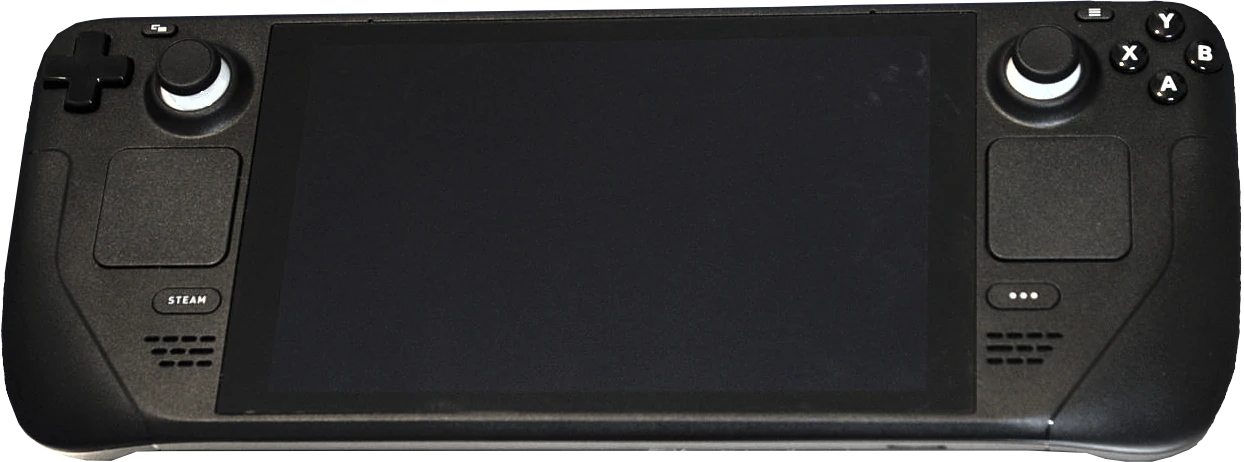
The original LCD Steam Deck, photographed in February 2022. Hardware context only: this image does not show a test of your game or a Valve compatibility rating. Photo: Liam Dawe/GamingOnLinux; PNG extraction by VulcanSphere, CC BY-SA 4.0. Display resized and format-converted; photo content unchanged.
Photograph by Liam Dawe/GamingOnLinux; PNG extraction by VulcanSphere.
Use two statements, not one ambiguous claim
A useful developer statement names the build, device, settings, date and activity observed. For example: “We completed the opening puzzle on our recorded Steam Deck setup using the built-in controls.” Only use that sentence after performing and retaining the corresponding test.
A platform-status statement reports the actual current listing separately. Valve conducts compatibility review and publishes its rating. Unknown means the review process has not been completed, rather than proving a test failure. Do not replace an Unknown listing with a homemade Verified badge because your own session went well. Steam compatibility review
Leave either statement blank if you cannot support it. “We intend to test” is a plan, not a test result. “Review requested” is not “Verified.”
Capture the parts a highlight reel would hide
Prepare an original test card with build identifier, device model, system version, selected settings and any non-default controller configuration. Then record a complete path instead of only the attractive action scene:
- Launch from the normal player route.
- Navigate the main menu without reaching for an unmentioned input device.
- Read a representative instruction and small interface label.
- Complete a text-entry task if the game requires one.
- Perform the first meaningful gameplay action.
- Return through the pause or settings menu used in ordinary play.
Valve’s consumer explanation separates input, display, seamlessness and system support. That is a useful reminder that a good-looking frame does not establish readable text, a working keyboard flow or a navigable launcher. Deck Verified explanation
The test card above is a proposed developer workflow, not Valve’s complete certification checklist. Use the current official checklist for the actual review requirements.
Work an example before writing the caption
Consider an illustrative puzzle demo. Its first room works with the built-in controls, but naming a save file requires a step the developer omitted from the recording. The honest demonstration shows the observed first-room interaction and keeps the save-name path on the unresolved list. A music-backed montage that cuts around the problem would conceal information a player needs.
Now consider the same demo after the text-entry path is corrected. Repeat that exact task on the corrected build and replace the affected evidence. Do not merely reuse the older gameplay video with a new date in its caption.
For a reviewed game, retain the current storefront compatibility details alongside your own test record. A platform rating and your footage may describe different observation moments. If a later build changes input, menus or text, retest those affected paths rather than assuming the existing footage covers them.
Keep performance claims within the measurement
A smooth short clip is not a sustained-performance benchmark. If you want to report frame rate, battery behavior or stability, define the scene, duration, configuration and measurement method, then report the actual result and limitations. Do not infer battery life from a frame-rate overlay or universal compatibility from one device.
Likewise, avoid turning one failed task into a claim that every Deck player is blocked. Record the particular environment and reproduction steps. Useful compatibility reporting makes the boundaries visible in both directions.
Review the message as a buyer would
Ask a reviewer to read the caption without your explanation. Can they distinguish what your team tested from what Valve rated? Do they know whether the footage shows the demo or full game? Can they identify any manual setup or untested path?
If not, revise the wording before making a more polished video. The aim is not to bury caveats in a disclaimer. Put the necessary distinction beside the claim it qualifies.
A completed evidence record contains the exact build and test, observation date, captured result, current platform status, remaining limitation and next retest owner. It does not contain an invented quality percentage or an assumed wishlist lift.
Start with the most important interaction you have not yet demonstrated. Once that observation exists, you can write a specific, defensible compatibility message rather than asking one badge or one clip to prove everything.