How-To Guide
Keep launch footage aligned with the app build after a UI change
A small navigation change can make a convincing launch video teach the wrong action. The answer is not automatically to refilm everything.
A small navigation change can make a convincing launch video teach the wrong action. The answer is not automatically to refilm everything. First identify which shots, captions and spoken instructions depend on the changed interface, then verify the rest against the release candidate.
This guide proposes a version-to-scene review for a first launch or an update. It is not a claim that an existing video, store submission or production build has passed review.
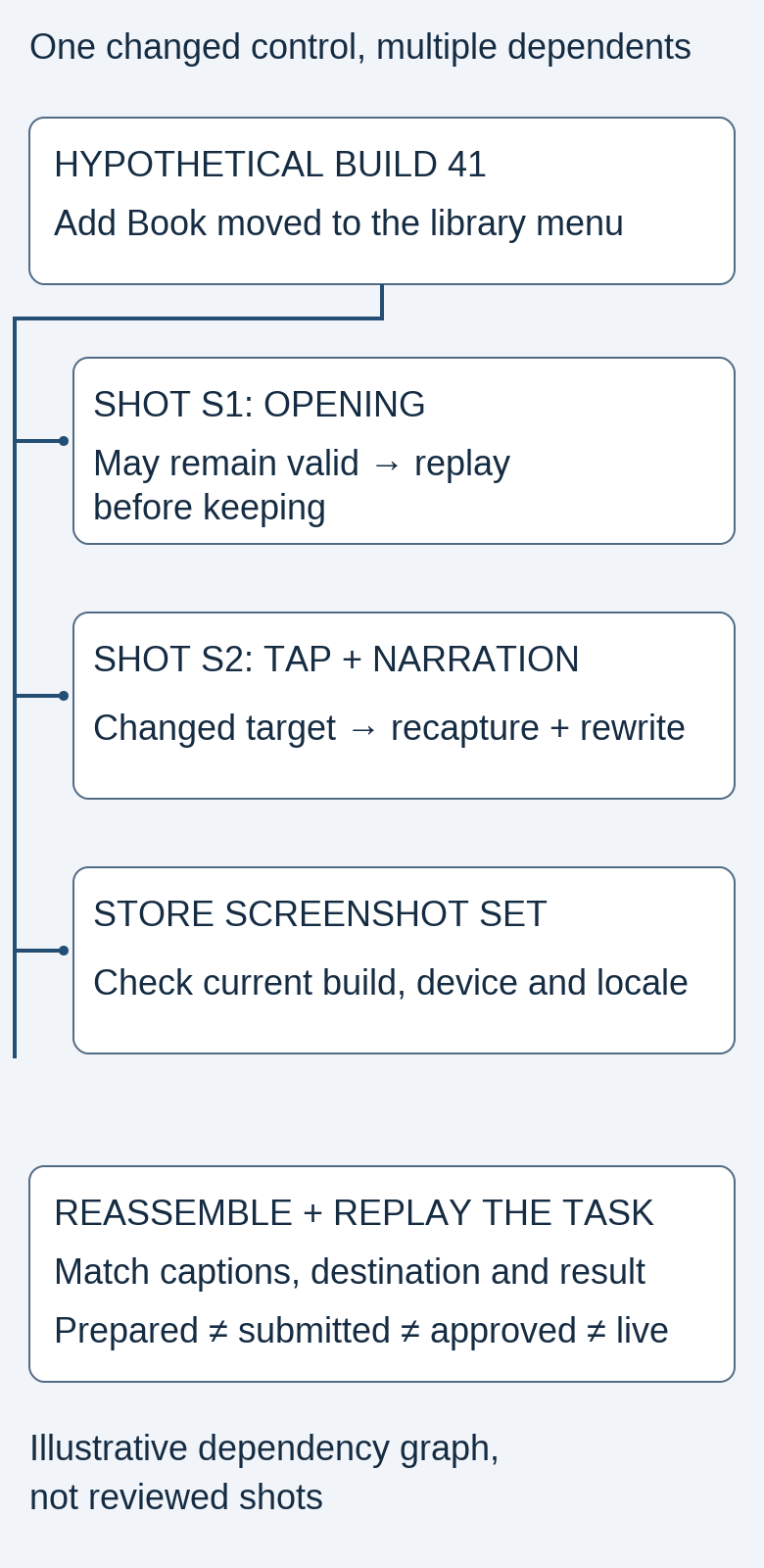
The diagram's states are hypothetical. They must not be mistaken for actual review results.
 Superdirector
Make it work for your brand
Find it. Remake it. Post it. Superdirector turns the viral formats in your niche into your brand's carousels, X posts and video scripts, and keeps the calendar full.
Pin the product before editing the story
Create a capture record with app version and build, device, OS, locale, account state and the synthetic example used. Identify the release candidate the finished asset is supposed to represent. A filename such as “final-demo-new” is not enough to distinguish two recordings made on different builds.
Choose one useful task, not a tour of every screen. For a reading app, an illustrative task might be adding a book and finding it again in the library. The story should let viewers understand both the action and the result. A new splash screen is not a substitute for proof that the task still works.
Apple's App Review Guidelines, section 2.3 require metadata to reflect the actual experience and stay current with versions. App Store previews have their own capture rules. Do not assume that a promotional video made for a social channel is automatically suitable as an App Store preview.
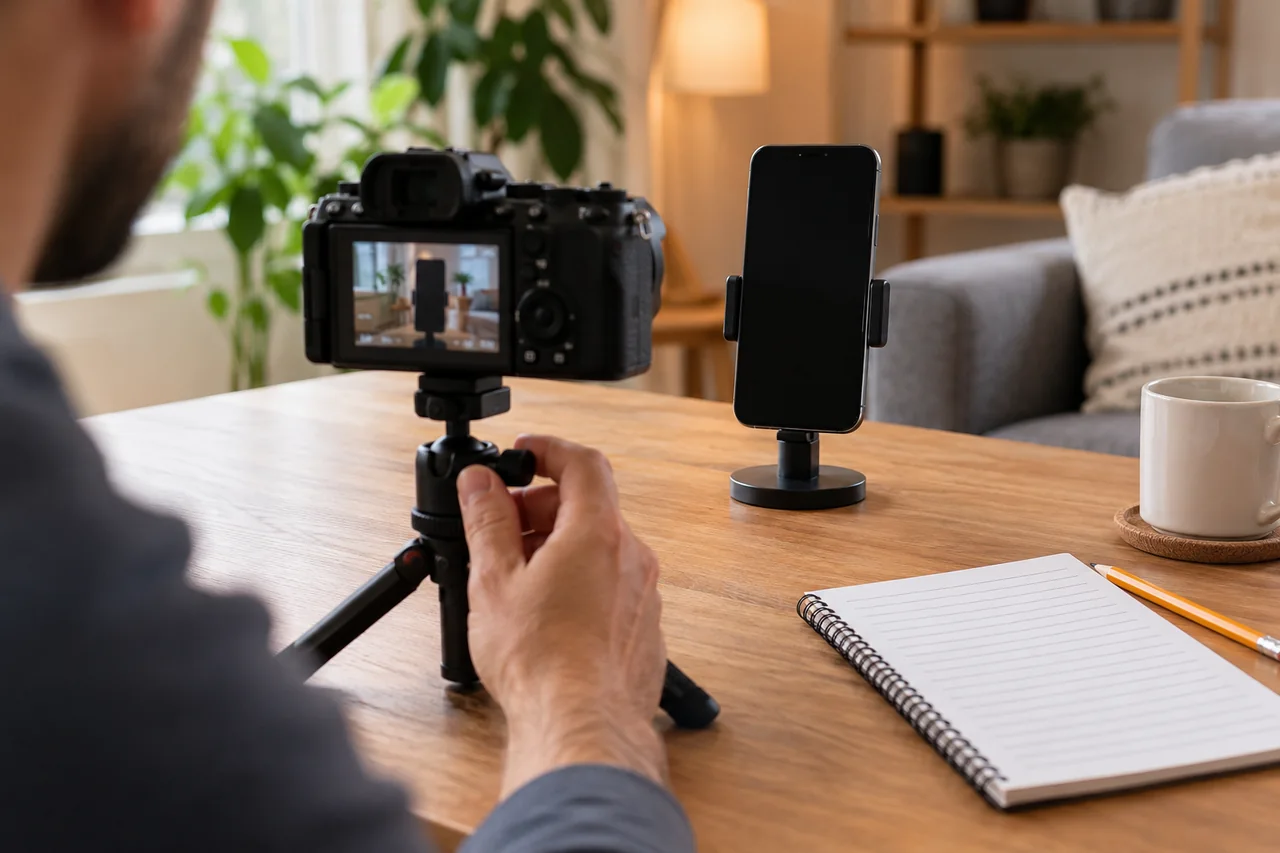
Original AI-generated editorial illustration. A capture setup still needs a record tying its footage to the actual release build. This is not a product capture, customer scene or completed test.
Build a scene dependency record
For each scene, write the visible action, the control or screen it relies on, the caption, the narration and the resulting state. Give the source clip a stable filename and retain its capture record. Link the exported asset to those clips rather than relying on an editor's memory.
Consider a hypothetical build 41 that moves Add Book from the bottom bar into a library menu. The opening explanation may remain accurate. The tap-target shot no longer does. A spoken instruction to tap the bottom button is also stale even if the editor replaces only the visual. Mark the navigation shot and that narration together for replacement.
A different change might rename an export control without changing the trimming workflow. Recheck the trimming scene against the candidate before retaining it, then recapture the export interaction and verify the output shown at the end. This is a proposed way to make change impact explicit, not measured proof of reduced production time.
Replay before recapturing
Open the release candidate with the same synthetic example and repeat the complete task. Watch for changes beyond the obvious button: permission prompts, loading states, empty states, paid access and the final saved object can all affect the promise.
If the task fails, preserve the failure and assign it to the product owner. Do not splice a successful result from an older build onto a new interaction to create a journey that never occurred. If a sequence is shortened for pacing, make that edit understandable and avoid implying an unmeasured execution time.
For an affected scene, replace the visual, cursor or touch indicator, caption and voiceover together. Then replay the complete edit. A technically current screenshot can still conflict with the sentence immediately before it.
Review screenshot sets separately from the film
A coherent video does not establish that every store screenshot is current. Apple's screenshot guidance says screenshots should match the current interface. It assesses the majority showing the app in use for each supported-device set and each localization; overlays should not hide the primary functionality.
Keep a separate check for each relevant set. Identify which screenshots depend on the changed navigation or terminology and inspect the actual submitted files, not only the source design document. If the localized label changed, an English-only review cannot establish that the other set is accurate.
This does not mean manufacturing new screenshots for a device you have not tested. Record the gap and obtain the needed capture evidence before making a device-specific claim.
Distinguish saved, submitted, approved and visible
An operator's recent screenshot-submission report describes confusion between old, archived and newly submitted assets. The reported workaround allowed submission; it did not prove approval. The account is one anecdote, not a universal fix or evidence of a platform-wide defect.
Keep the stages separate in your release record: source asset prepared, exact export reviewed, upload completed, submission accepted, App Review approved, and live listing verified. A prior approval cannot establish that an image still corresponds to a later build. Do not restore, delete or resubmit assets simply because a forum reply recommends it.
Before an authorized release, compare the exact final export with the intended candidate and record the reviewer and date. After release, inspect the actual listing or authorized campaign placement separately. A successful upload is not proof that a visitor sees the right version.
Make the next change easy to check
Use the blank capture and scene worksheet to leave a small, usable handoff: release candidate, scene dependencies, invalidated elements, replacement files, verification results and open issues. Keep old assets clearly archived as history without confusing them with the approved current set.
Ask a practitioner unfamiliar with the edit to complete the shown task using the candidate. Record where the instructions become ambiguous. Improve the sequence and repeat that bounded check; this is a proposed check; no practitioner result is reported.
Measure version mismatches discovered, unresolved scenes and task-comprehension feedback separately from views or signups. A clean dependency record is operational evidence, not proof of audience demand or conversion lift.
Evidence and limits
Apple's metadata and screenshot guidance establishes the platform requirements. The operator report is anecdotal, not a universal submission fix. Recheck the final assets against the exact release candidate and inspect the live listing separately.