How-To Guide
Explain restore purchases without promising to transfer an app account
A Restore Purchases button does not explain which identity owns an entitlement or what happens when someone signs into a different app account.
By the Superdirector editorial team.
A Restore Purchases button does not explain which identity owns an entitlement or what happens when someone signs into a different app account. Before filming a premium recipe feature, separate the purchase record, the app login and the feature access the person actually receives.
The launch deliverable is a small identity-to-entitlement map with an honest unresolved branch. It is not a new purchase, an account migration or a claim that every app follows the same restoration policy.
Name three different records
First, identify the purchase channel and type. A purchase through Apple's system is not the same record as a subscription bought on a developer's website. A consumed item is not interchangeable with an ongoing subscription or permanent unlock.
Second, identify the store account involved, using an alias in internal test notes rather than displaying a private email address. Third, identify the app's own account, if it has one. These identities can differ. Do not assume the email receiving a receipt proves which app account should receive access.
Apple's restoration guidance says consumables cannot be restored and describes restoration for eligible non-consumables or subscriptions. It advises checking that the same Apple Account used for the purchase is signed in. That does not establish every developer's app-account linking policy.
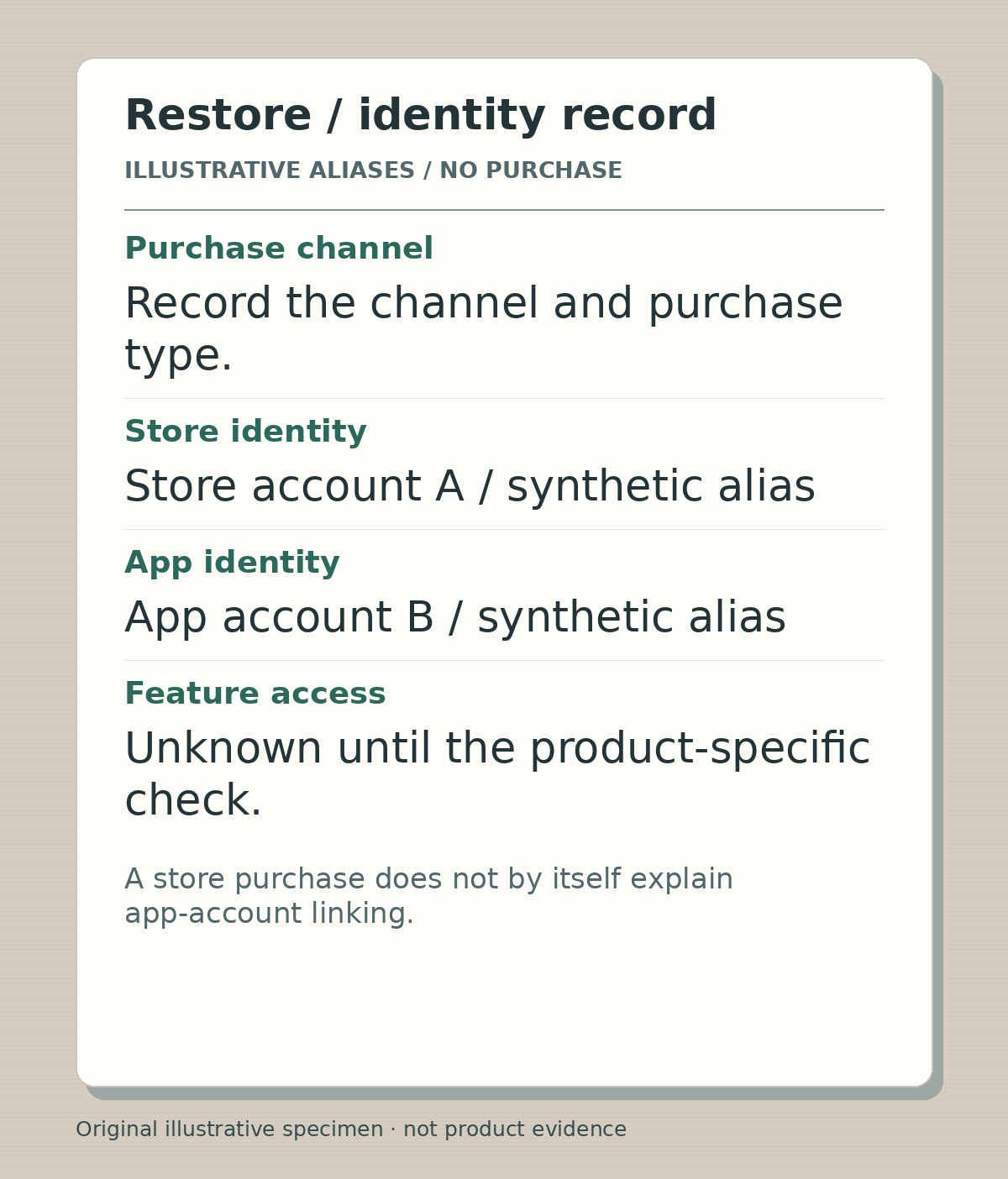
Original identity-record specimen using synthetic aliases. It contains no real account, receipt or entitlement, and does not imply a transfer between app accounts.
Illustrative worked example by Editorial assistant, original text and raster artwork. Created 2026-10-24.
Read the product policy before scripting a successful result
For a hypothetical recipe app, ask the implementation owner what Restore does when the store purchase exists but the app is signed into a different account. Is there a documented recovery route? Is the user asked to return to the original account? What evidence establishes the entitlement? Leave the answer unresolved until the actual product supports it.
A concrete counterexample is OpenAI's account-linking guidance: its mobile subscription is tied to the store account and the ChatGPT account used for the purchase, cannot be transferred between ChatGPT accounts, and is not relinked by reinstalling. Those are ChatGPT-specific rules, not instructions to copy into the fictional recipe app.
The editorial lesson is to show your product's real boundary. Avoid “sign into any account and restore everything” unless an appropriately scoped review establishes that behavior. Do not recommend repurchasing to make the demonstration succeed.
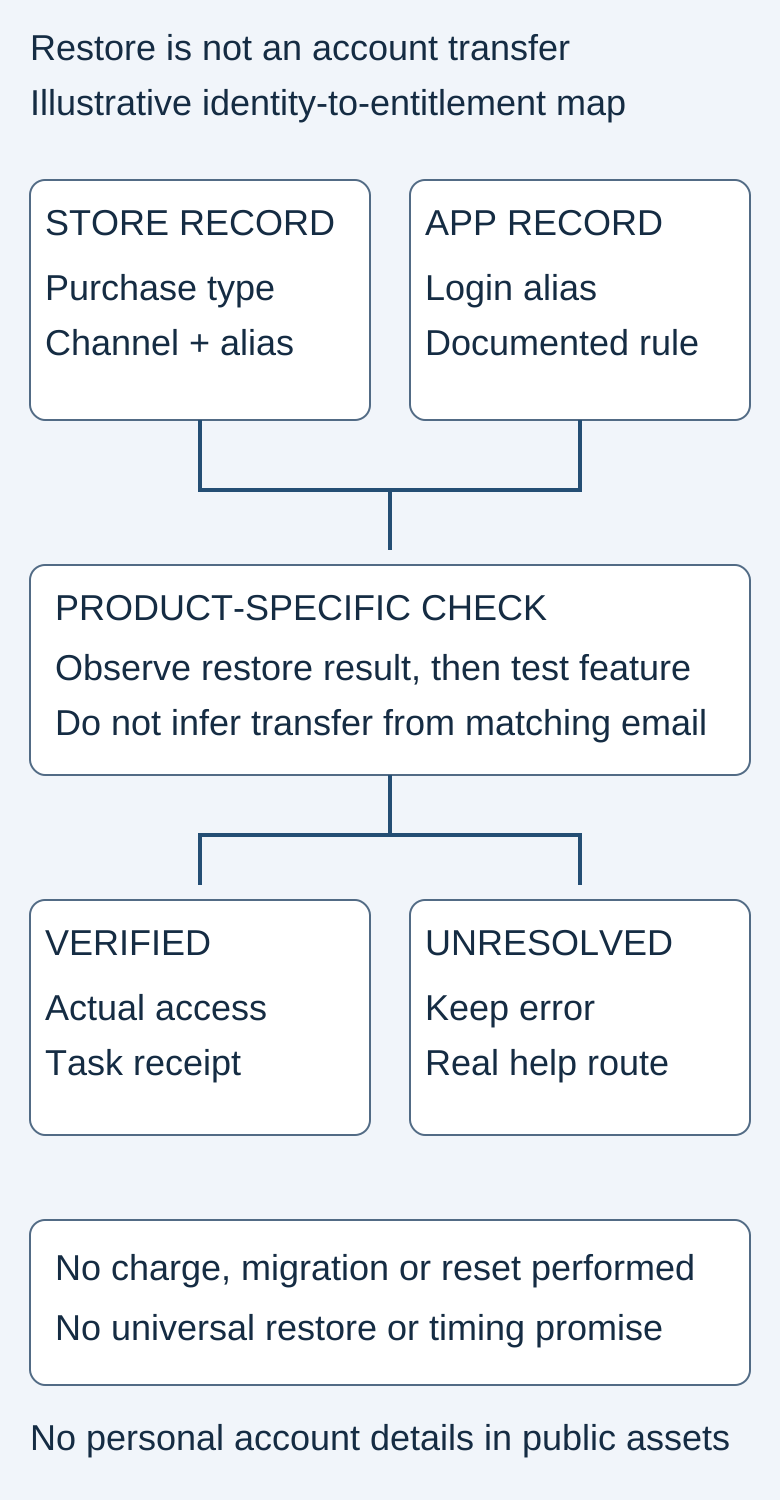
The diagram is illustrative. It contains no actual purchase, account or verified entitlement.
Original visual by the Superdirector editorial team. Creation date not recorded.
Film one restore and one mismatch without creating a charge
Use an existing authorized sandbox or test fixture. Record the candidate build, purchase channel/type, store-account alias, app-account alias and expected product policy. Do not create a real subscription, change ownership or reset someone's account merely to produce launch footage.
In the first scene, show the supported restore route and its actual result. Then open the advertised premium feature and complete a harmless task with synthetic content. A button tap or loading animation is not evidence that the entitlement works. Preserve any error and the supported next step.
In the second scene, examine an account mismatch only where an authorized fixture and documented behavior permit it. Show the message and the genuine recovery destination. If the test cannot safely reproduce that state, use a clearly labeled explanatory diagram and keep behavior unverified. Never splice a successful result from another account into the failed recording.
Distinguish a user question from an implementation rule
A historical developer question asks how store restoration should interact with a backend account. Replies suggest different approaches. They are not authority for transferring an entitlement or implementing a fake success indicator.
A separate user question from December 2024 asks about another device when an app has no login system. That is a different product configuration. Together the questions reveal a useful distinction to explain, but they do not establish current search volume or the policy of your app.
Make the recovery explanation usable
Use the blank restore worksheet to connect the observed message, purchase channel, account relationship, entitlement receipt and completed feature task. Keep credentials, authentication tokens and full payment details out of the filming record. A public help page should not ask people to post receipts or account identifiers in comments.
If restoration remains unresolved, the honest closing line is a verified help route, not a universal promise of immediate access. Any customer-support investigation should use the product's authorized private process. This article does not ask for account changes or make refund commitments.
After release, distinguish restore attempts, successful entitlement checks, completed premium tasks and unresolved support cases. Do not equate a lower error count with retained buyers without appropriate usage evidence.