How-To Guide
Explain a navigation redesign through the tasks returning users need
A returning user does not experience your redesign as a fresh start.
A returning user does not experience your redesign as a fresh start. They bring an old route to a familiar task. If that route changes, a polished screenshot and “new look” announcement may leave them wondering whether the action disappeared.
For a reading-tracker update, create an old-to-new task map before writing the release announcement. Show where an action moved, what changed and whether the saved outcome is still available. This guide concerns a major update or relaunch, not a first release with no previous interface.
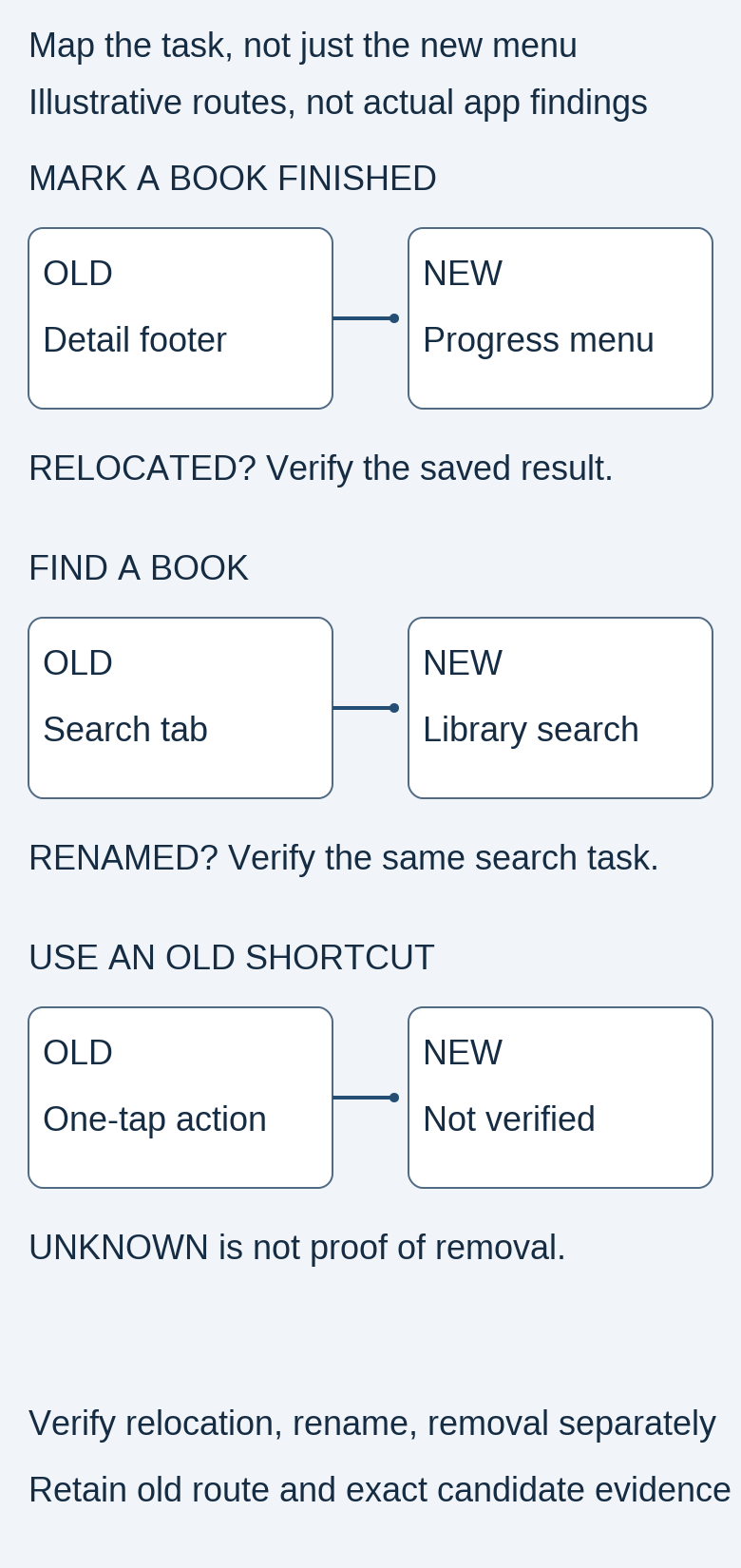
The examples are hypothetical and do not describe a tested reading app.
 Superdirector
Make it work for your brand
Find it. Remake it. Post it. Superdirector turns the viral formats in your niche into your brand's carousels, X posts and video scripts, and keeps the calendar full.
Begin with tasks, not screen names
List the jobs returning users need to recover: finding a saved book, changing reading progress, marking it finished or locating a note. Treat the list as a starting hypothesis unless actual usage or support evidence identifies the priorities. Do not call a task “most used” just because the team likes it.
For each task, record the old trigger and destination, the new trigger and destination, and the outcome that should remain. Use a synthetic book or note so the demonstration does not expose a reader's personal library.
An app developer's redesign discussion raises the concern that existing buyers might encounter an experience unlike earlier screenshots. That is adjacent evidence for change communication, not a study of reading-tracker navigation. It also does not establish whether your app should use a new bundle identifier. Keep that product decision outside this task map.
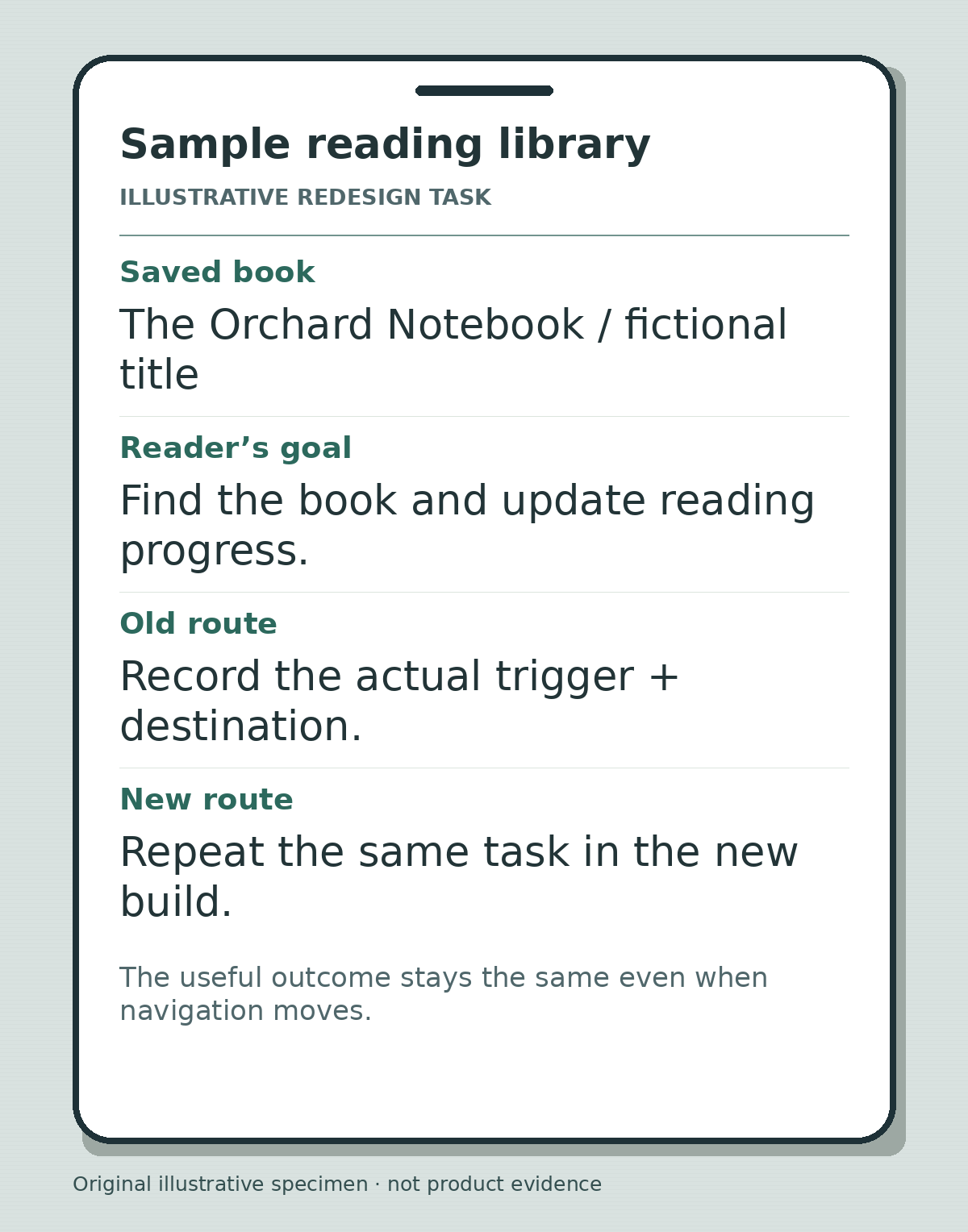
Original reading-library concept with a fictional book. The route fields are instructions to inspect the real builds, not claims about an existing app’s old or new navigation.
Give every changed action a clear status
Use precise labels. “Relocated” means the same action lives elsewhere. “Renamed” means its wording changed, which still needs verification of the underlying behavior. “Changed” means the outcome or interaction is different. “Removed” means the old task is no longer available in the reviewed version. Keep “unknown” for anything not yet tested.
In an illustrative reading app, Mark finished might move from the book-detail footer into a progress menu. The communication should identify both routes and demonstrate that the book's saved state changes as intended. A menu opening is not the completed task.
If a navigation tab disappears but its search function remains elsewhere, show that exact new path. If the function genuinely disappears, say so rather than presenting a different feature as an equivalent replacement. Do not promise restoration in a future version without an approved commitment.
Verify the saved outcome on the candidate
Pin the old reference version and the new candidate build. Record device, locale and account state. Where an old build cannot be run safely, use existing authorized evidence and label its limits. Do not recreate an invented old interface merely to make the before-and-after comparison look tidy.
Replay the new route with synthetic content. Leave the screen, reopen the book or record, and check the saved outcome. If the update involves data migration, treat data preservation as a separate engineering and product-validation gate. This communication exercise cannot establish that every existing user's history survives an update.
Keep failures visible in the internal record. If the action is difficult to locate or the saved result is wrong, resolve that issue before writing an announcement that implies continuity. Do not rename a failed task to make the checklist green.
Write the announcement around the change boundary
Name the version or rollout boundary the explanation applies to. A user still on the earlier version should be able to recognize why the pictured route does not match their screen. Where deployment is staged, describe the actual availability rather than saying everyone has the change.
A useful hypothetical line is: “In the new version, Mark finished is inside the book's Progress menu.” It is useful only after that wording and behavior have been checked against the candidate. Add a short explanation of the resulting state, not a claim that the redesign is faster or easier unless that was measured.
Apple's App Review Guidelines, section 2.3.12 call for new features and significant product changes to be described in What's New text. A generic improvement label is not a substitute for explaining a substantial navigation change. Drafting that text does not mean it has been submitted or published.
Pair the map with accurate visual evidence
Capture the changed task in use, with enough surrounding interface to locate the control. If a caption points to a menu, make sure it names the current menu and remains readable on mobile. Do not obscure the action with a large promotional overlay.
Apple's screenshot guidance requires the interface shown to match the current version and describes how app-in-use screenshots are assessed. The task map is an additional communication tool, not a replacement for those requirements or a guarantee of approval.
Keep the customer-facing explanation separate from the production team's shot-replacement checklist. The user needs to find the task; the editor needs to know which assets are stale. Both may use the same version record, but they answer different questions.
Test comprehension before claiming improvement
Give a practitioner the proposed map and the candidate, then ask them to complete one mapped task without being coached through every tap. Record whether they locate the action, understand a removal or limitation, and obtain the expected saved result. This is a proposed validation session, not an observed result.
Use the blank task-change worksheet to retain the old and new paths, status, saved-outcome evidence, wording and unresolved issues. Revise confusing instructions and repeat the same bounded task. Keep support questions grouped by the actual changed action instead of treating all complaints as resistance to design.
After authorized release, distinguish the announcement being live from users understanding it. Record version-specific confusion reports and task completion with clear observation windows. A lower count of messages alone does not prove improved retention, and a before-and-after shift may have other causes.
Evidence and limits
This guide applies to a major update with a previous interface to compare, not an app's first release. The illustrative reading tasks must be checked against the actual old and new versions.