How-To Guide
Demonstrate your game's subtitles at the size players will actually see
A close crop can make almost any subtitle look readable. It removes the rest of the interface, hides competing visual information and changes the…
By the Superdirector editorial team.
A close crop can make almost any subtitle look readable. It removes the rest of the interface, hides competing visual information and changes the text's apparent size. That is useful for explaining a setting, but poor evidence for a claim about actual gameplay.
When preparing an accessibility-feature video, show the settings route and the resulting full frame. Demonstrate who is speaking, what happens when the camera turns and which text areas the setting does not change. Keep the claim narrow enough that the footage can support it.
This article proposes a developer recording and review workflow. It does not certify a game as accessible or report a completed user test.
Start with the exact feature, not the label
Write a small feature inventory before recording. Does the build offer subtitle size, background appearance, speaker identification or captions for meaningful non-speech sounds? Which controls are actually present? Which apply only to dialogue, and which affect other interface text?
Use the current build as the source of truth. A planned “large text” option should not appear in launch copy as an available feature. Likewise, one subtitle control does not establish that inventory, menus and tutorial text are adjustable.
Specialist Game Accessibility Guidelines identify size, contrast and the amount of simultaneous text as important presentation concerns. Their guidance also discusses background treatment, positioning and conflicts with other interface elements. Their suggested baseline includes 46px text at 1080p and roughly 40 characters per line across two lines. Treat these as contextual guidance, not a universal pass threshold: display scaling, language, scene complexity and the intended player still need testing. Use those concerns to design checks, not to replace observation of your own scene. Subtitle presentation guidance
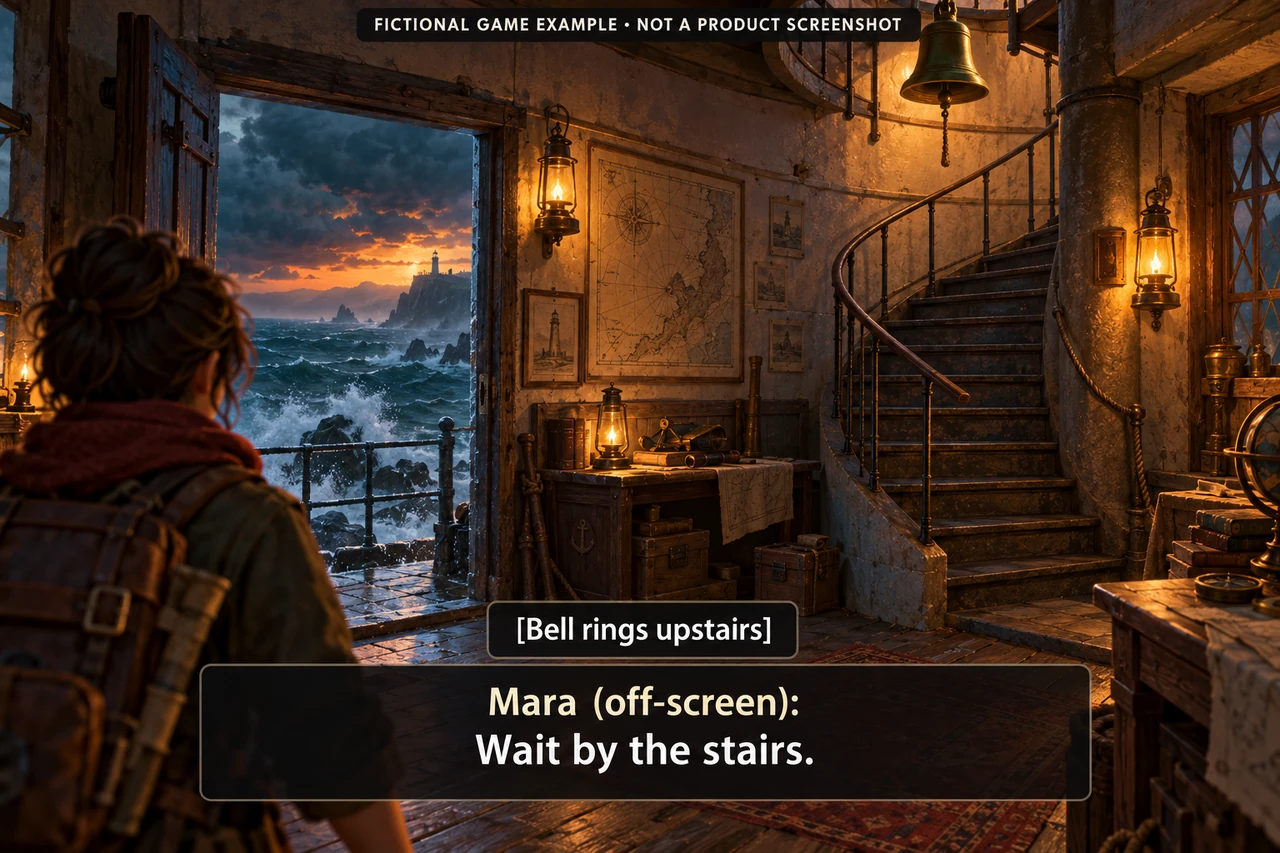
Fictional lighthouse-game illustration: an off-screen speaker label and a separate bell caption communicate different information. This is not product footage, a readability test or accessibility certification.
Original visual by Original editorial artwork generated with the built-in OpenAI image tool. Created 2026-10-24.
Record the same scene with each setting
Choose a short scene containing a visible speaker, an off-screen line and a moment of camera movement. Use a representative gameplay situation rather than a specially empty backdrop selected only because the text looks clean there.
For a fictional lighthouse mystery game, a useful proposed sequence is:
- Open the actual subtitle settings and show the available options.
- Play the scene at the default setting without cropping the frame.
- Change one setting, then replay the same scene.
- Keep the output resolution and displayed video dimensions consistent.
- Show whether other interface text changed or remained the same.
Keep the uncut capture and note the build, language, display configuration and settings. A public edit can be shorter, but should make the change understandable without enlarging only the subtitle region and calling that the in-game result.
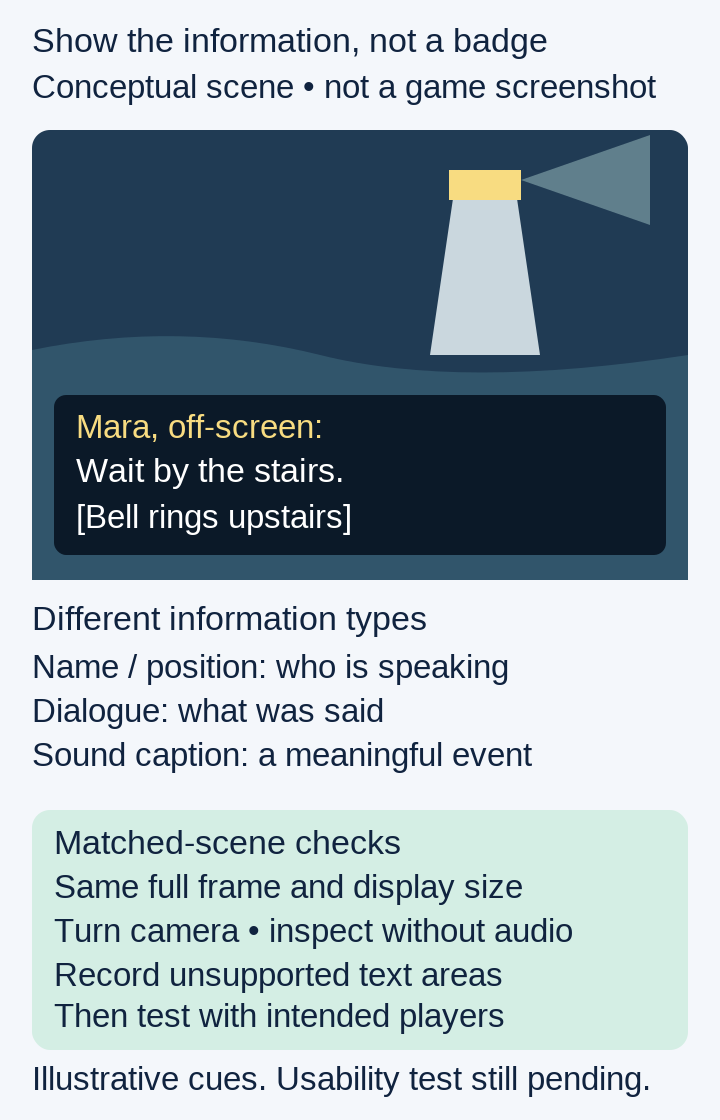
Conceptual illustration, not a game screenshot. It explains information types and review questions; it does not demonstrate a real implementation or certify readability.
Original visual by the Superdirector editorial team. Creation date not recorded.
Make the speaker identifiable without relying on sound
If the character is off-screen, the viewer may not be able to associate a voice with a face. Game Accessibility Guidelines describe several visual approaches, including speaker names, position, portraits and combinations of cues. The right demonstration should show which approach your game actually uses. Speaker-identification guidance
For the fictional lighthouse scene, the line could carry a text cue such as “Mara, off-screen.” That is an original illustration, not a required wording format. Use an additional textual or positional cue rather than making a color difference the only information available in the demonstration.
Check whether a camera turn removes essential text. A stylish label placed in the game world can leave the frame when the player looks elsewhere. If a conventional screen-space alternative is supported, demonstrate it. If it is not, record the limitation rather than treating visual immersion as proof of usability.
Keep dialogue and meaningful sounds separate
A subtitle can convey speech while omitting the sound that tells a player a door opened behind them. Inventory those two information types separately. Do not describe dialogue-only subtitles as if every meaningful sound is captioned.
In the fictional scene, “Mara: Wait by the stairs” represents speech. A separate “Bell rings upstairs” cue represents a non-speech event. The product team must decide which sounds carry necessary information and test whether the available cues communicate it. Do not add a cue to an edited video and imply the game itself supplied it.
This distinction also improves the feature description. A specific statement about supported dialogue labels is more useful than a blanket “fully accessible” badge unsupported by the work performed.
Run a matched review, then involve intended players
First inspect the same captured scene with and without audio. Ask whether the action, speaker and relevant event remain understandable. Check that text stays visible for its actual duration and does not obscure another essential element.
This silent review is a preliminary content check, not a substitute for testing with people who rely on the features. Ask intended players to review the actual build or footage at realistic display dimensions through an agreed testing process. Record what they could and could not follow without inventing a universal pass score.
Useful questions include: Can you identify the speaker when they are not visible? Does moving the camera remove information? Which text remains too difficult to read? Can you find the setting without extra instruction? Preserve disagreements and setup differences instead of averaging them into a vague quality claim.
Turn the finding into a precise launch explanation
If subtitle size changes but menu text does not, say that. If a scene has speaker labels while another lacks them, keep the scope visible and open a concrete follow-up for the missing case. A prepared fix should not change the public claim until the revised build is observed.
A developer's current discussion about accessibility priorities supports the broader need to choose and implement useful settings, but it does not measure demand for this exact article or prove a particular setting increases sales. Developer accessibility-priority discussion
Keep the final packet small: settings inventory, matched full-frame recordings, test setup, observed limitations and approved wording. After a relevant interface change, check the affected scene again before reusing old footage.