How-To Guide
Build an in-app event card around a real challenge, not a launch slogan
A returning learner should be able to understand what they will do, when they can do it, and where the event will take them.
A returning learner should be able to understand what they will do, when they can do it, and where the event will take them. If your language-learning app cannot answer those questions yet, a more polished event card will not fix the missing experience.
Before your first event release, use one working product example to prepare a card-to-task proof. This is a proposed production method, not a prediction of installs or App Store featuring. If you are also preparing the app’s first release, keep public availability unverified until the app and event can actually be observed in the intended storefront.
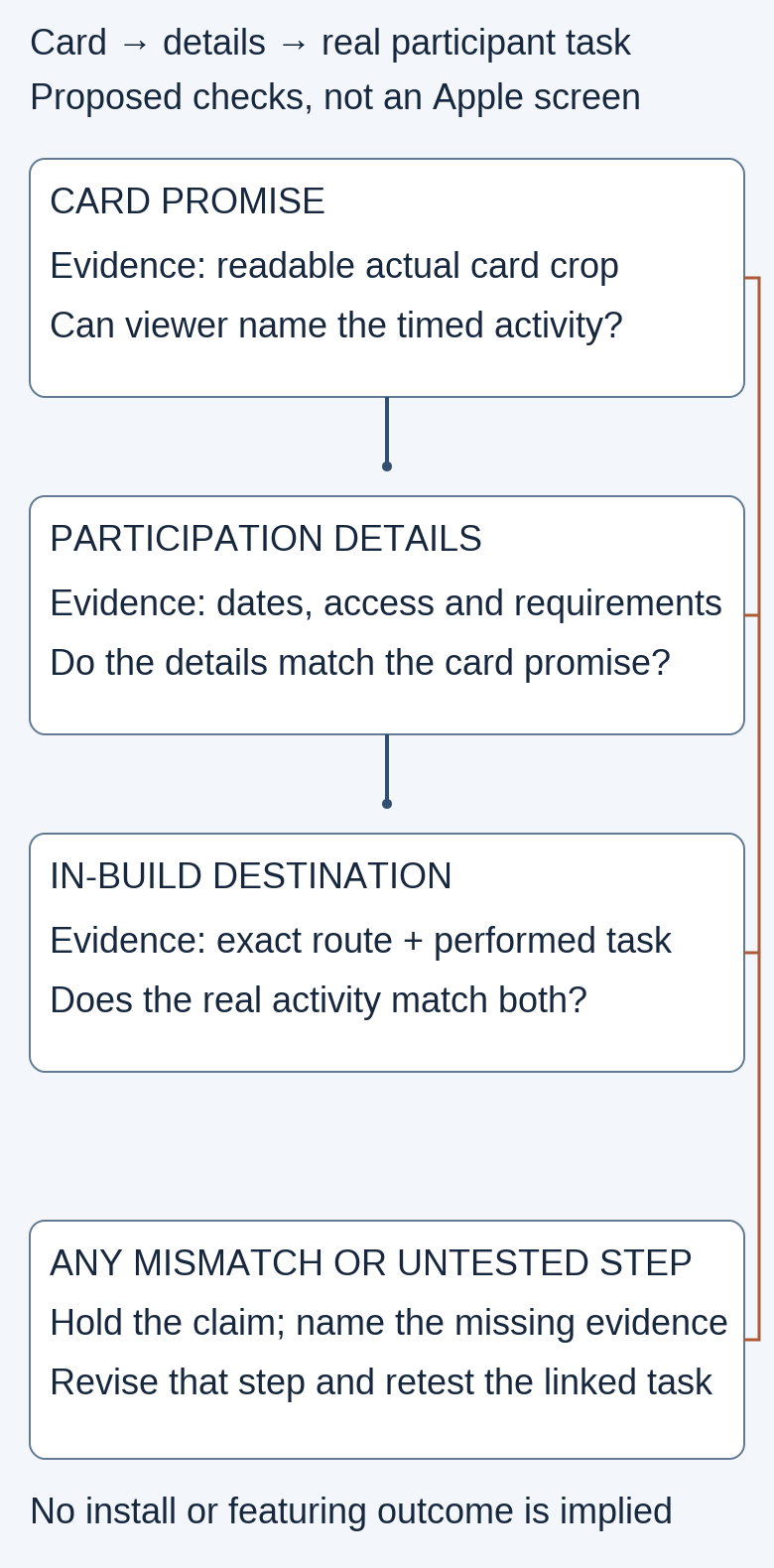
Three checks for one experience. This is a planning schematic, not an Apple template or a screenshot of a working app.
 Superdirector
Have your AI do this for your brand.
7 days free, then $29 a month.
Decide whether there is an event to describe
Apple identifies challenges and specific content launches as suitable event candidates, but distinguishes them from repetitive daily tasks, standalone price promotions and generic awareness. A permanent feature can be involved, but the event should center on a limited-time experience. Apple event guidance
Write the participant’s action in one sentence before writing the promotional headline. For example: “During the scheduled challenge, learners complete a short spoken introduction and compare it with their own earlier recording.” This is an illustrative concept. Use it only if your app genuinely supports that workflow and the actual event offers a distinct timed experience. An ordinary daily lesson does not become a new challenge because you rename it.
If the only available sentence is “discover our amazing app,” stop and build a clearer event or use ordinary launch content instead. The test is whether a person can name the activity without hearing your brand pitch.
Choose the badge from the actual experience. Apple’s Challenge badge describes pursuing a goal before the event ends; it is not a label to add merely because the campaign needs urgency. Event cards are supported on iOS/iPadOS 15 or later, so record the OS used for the preview check. Apple event guidance
Separate the card, the details and the task
Use the blank event proof worksheet to coordinate three small working documents:
- Card: the specific experience someone should recognize at a glance.
- Details: what participation involves and what they need to know before opening the app.
- Task proof: the actual screen and action a participant reaches.
Apple’s current fields allow 30 characters for the event name, 50 for the short description and 120 for the long description. Keep these separate rather than shrinking one paragraph into every field. Event visibility depends on regional app availability; dates and times include discoverability, start and end. Apple event setup reference
Here is an original illustrative copy pass, not ready-to-submit metadata:
- Name: “A Week of Introductions” (23 characters)
- Short description: “Practise a short spoken introduction.” (37 characters)
- Long description: “Record an introduction, practise the lesson and compare your recordings during the scheduled challenge.” (103 characters)
Each sentence must survive a product check. Can the learner actually record? Does the lesson exist? Can they compare recordings? Delete unsupported verbs before asking a designer to make the card attractive.
Build the visual from the experience
Use original or properly licensed artwork. Apple's guidance calls for inspecting card and detail previews so important content remains visible, avoiding unsupported superlatives and specific prices in metadata, and keeping media free of added borders or gradients. Apple event guidance
For this example, the visual might show the real recording interaction, with private names or recordings excluded. Do not fabricate a transcript, completion badge or improvement percentage to make an empty interface look convincing.
Review both layouts independently. Ask a teammate to describe the event from the smaller card, then the detail view. If they describe different activities, revise the composition or wording. This is a comprehension check, not a numerical quality score. Save the exact image revision and the feedback that caused each change.
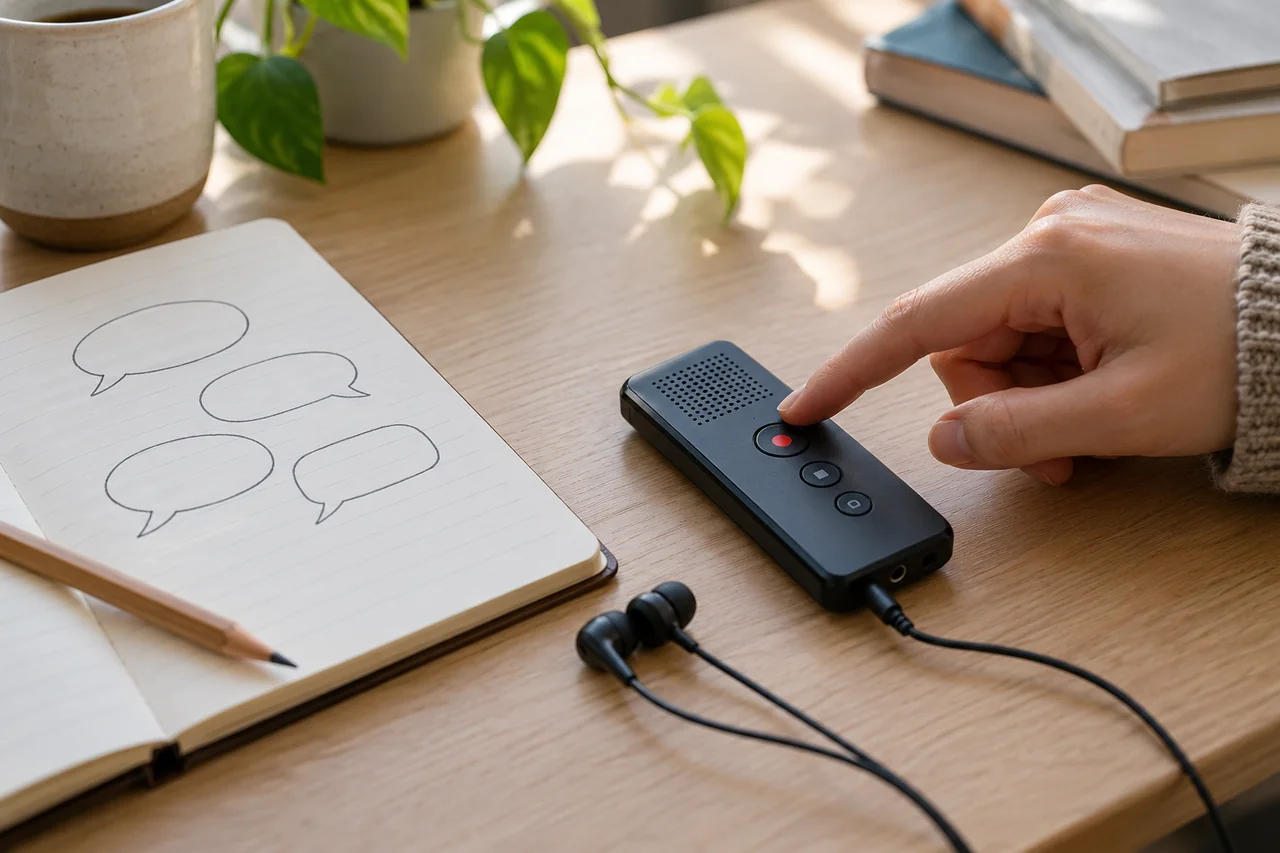
Original AI-generated editorial illustration. A language challenge should lead to a concrete practice action, such as recording and comparing a short introduction. This is not a product capture, customer scene or completed test.
Prove the route before treating the card as ready
Apple requires an event deep link and recommends testing that it reaches the correct content. It also asks whether participation needs an In-App Purchase; for subscription apps, the event-specific extra cost is the relevant distinction. Apple event setup reference
Prepare a small test log with these rows:
- Before the start: what does the intended participant see?
- During the event: can they reach and begin the promised task?
- After the end: is the experience consistent with the now-ended event?
- Returning versus new participant: does necessary onboarding obstruct or preserve the route?
These are proposed checks, not claims about your implementation. Record the build, device, account state, storefront, timezone and exact link for each run. Mark unavailable checks as not tested. If the deep link reaches the home screen instead of the challenge, the card is not yet proof of an end-to-end experience.
Measure usefulness without inventing a discovery win
A public founder question about in-app events asks whether they help acquisition or mainly existing users. That is a relevant practical concern, but one author and their crossposts are not multiple independent demand signals. The source’s precise date is unresolved, and its reported results do not predict yours.
Once an event is separately approved and live, record what was actually observed: event visibility, route completion, participation and repeated useful work. Keep new, active and returning participants separate where your data supports that distinction. Report missing data as unknown. Do not call a card view a completed lesson or credit the event with all subsequent installs.
The finished production packet should contain the checked copy, rights-cleared visual, date/storefront sheet, route log and unresolved issues. That gives the release owner a concrete decision. It does not authorize publishing, spending or sending invitations.
Frequently asked questions
Can I turn an ordinary daily lesson into an event challenge by giving it a new name?
SuperdirectorHave your AI do this for your brand.
7 days free, then $29 a month.