How-To Guide
How to Build a Weekly Content Plan for Short-Form Video
Build a repeatable weekly content plan for TikTok and Reels in under 45 minutes a week, then produce the whole week in one day: scripts first, one batch filming session, then captions and a scheduled week.
How many posts per week is optimal for short-form video?
No universal count is published for short-form video, so the right number is the cadence your team can keep up with and review weekly. Run the week in two passes: one 30 to 45 minute planning session that locks a fixed rhythm, then one production day that turns the plan into scheduled posts. On the production day, write every script first, film or design the posts back to back with similar setups grouped, and finish the same session with captions, subtitles and a full week schedule. If you would rather not run the week by hand at all, one AI-run operated account can carry it: Superdirector Growth is $199 a month, and once posting is turned on for an account, its posts publish by themselves.
- Keep the cadence the team can maintain and review it weekly; a rhythm you can keep beats a volume you cannot sustain, and the Friday review adjusts the count with evidence rather than guesswork.
- The one-day batch is three passes in a fixed order: every script written first, all filming or design back to back with grouped setups and labelled B-roll, then captions, subtitles and a full schedule before the day ends.
- To delegate the whole week instead of running the batch, one operated account makes the posts and publishes them once posting is turned on for the account; the hands-on batch keeps working at $29 a month.
What You'll Need
- Active brand profile on at least one short-form platform
- Basic understanding of your brand voice and target audience
- Access to content scheduling tool (optional)
Time: 30-45 minutes of planning a week; produce the week in one day
Step by step
- 01
Audit your current posting cadence
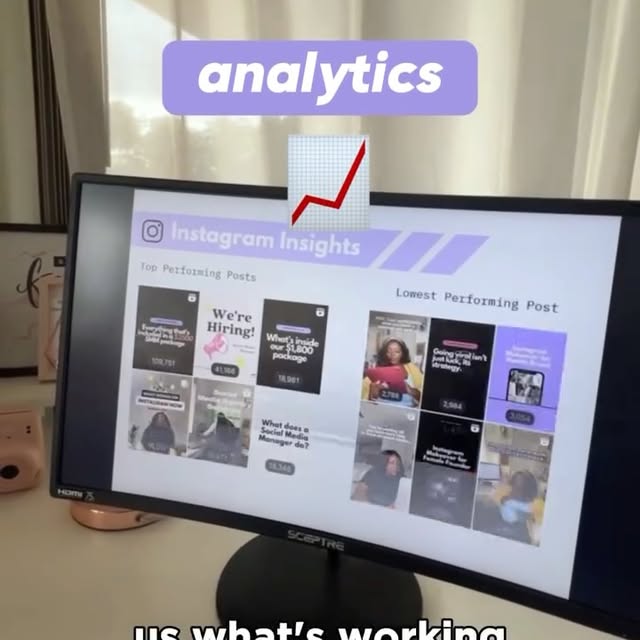
Before planning new content, review your last 4 weeks of posts. Count total posts per platform, identify the formats that beat your baseline, and note gaps in your posting schedule. This baseline tells you where to focus.
Field notes
- Export your analytics into a spreadsheet for easy comparison
- Flag any posts that beat your average engagement. These are your validated formats
- 02
Research trending formats in your niche
Spend 20 minutes scanning what is working in your niche right now. Look at strong competitors and trending creators. Focus on format structures (hook type, pacing, transitions) and do not copy the content. Add your profile link to Superdirector to get a reference feed filtered to your specific niche.
Field notes
- Use the reference feed to skip manual scrolling. It surfaces formats ranked by momentum in your niche
- Note the repeatable hook patterns: question, warning, reveal, comparison, proof, contrarian point, and before/after
- 03
Map content to your weekly calendar
Assign one content theme per day of the week. Example: Monday = educational tip, Wednesday = behind-the-scenes, Friday = trending format adaptation. A fixed weekly rhythm is easier to keep up than posting whenever an idea comes along.
Field notes
- Start with 3 posts per week and scale to 5 once the process feels natural
- Batch similar content types and film all educational content in one session
- 04
Generate scripts and shot plans
For each content slot, create a script with a hook, a body, and a clear CTA. Include a shot plan listing camera angles, transitions, and any props or graphics needed. Superdirector can generate these from reference videos so the team starts with a concrete production plan.
Field notes
- Keep hooks short, and test shorter against longer
- Plan B-roll shots alongside your main content to build a footage library
- 05
Produce the whole week in one day
Set one production day for the whole week and run it in a fixed order. Write every script first, since decisions are cheap on the page and expensive mid-shoot. Then film or design every post back to back: props and outfit changes gathered before the first take, similar setups shot as one group, and labelled B-roll captured for the edit. Close the same session with captions and subtitles, then schedule the whole week so nothing waits on a daily post decision.
Field notes
- Write every script before filming anything; the blank-page work happens once, not seven times
- Film in natural light when you can, since it costs nothing
- Record 10% more content than you need to build a buffer for busy weeks
- Save each clip with a name you will recognize when you assemble the edit
- 06
Review performance and iterate
Every Friday, review the week's performance. Which hooks drove the most retention? Which formats got saved? Update next week's plan based on what worked, so each plan starts from the past week's results and not from a guess.
Field notes
- Track 3-second retention as a check on whether your hooks hold viewers
- Double down on the formats that work, and avoid constant experimenting
Pre-publish checklist
Run this checklist before publishing. It keeps your execution aligned with the guide and prevents common drop-off issues in the first few seconds.
- Your opening 2-3 seconds state the value clearly and match the viewer intent.
- Each step contains one concrete action, not abstract advice.
- The final CTA tells the viewer exactly what to do next and what result to expect.
- You captured enough B-roll or supporting visuals to keep pacing tight through the full runtime.