Multi-Platform Scheduling for Agency Social Media Managers
Scheduling across clients and platforms without three tools disagreeing.
Turn this page into a campaign built for your brand.
Connect Superdirector to ChatGPT and it adds current social-video references, public-video analysis, Brand DNA, and a ready-to-send campaign brief.
By Bell Chen, founder of Superdirector — how the analysis works.
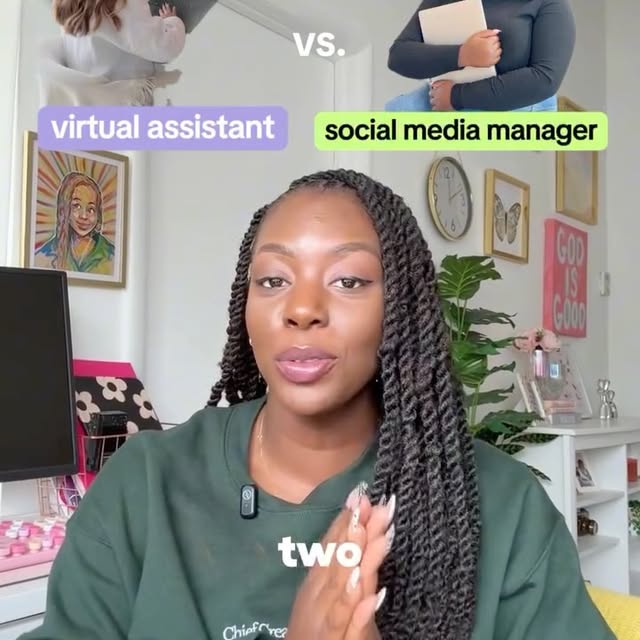
Getting one brief to land on two platforms
Scheduling ten clients is a calendar problem until two tools disagree about a post time, and then it is a trust problem. One source of truth for what goes out, where, and when is the whole job.
Where This Helps Agency Social Media Managers
Agency social media managers operate under a fundamentally different set of constraints than in-house teams: they manage multiple client accounts simultaneously, each with its own brand voice, approval process, and performance expectations. The efficiency challenge is not about doing one thing well; it is about maintaining consistent quality across 5, 10, or 20 accounts without burning out the creative team. The agencies that retain clients longest usually share a practical operating habit: they systemize the creative process so quality does not depend on any single team member having a good day. Standardized workflows, templated briefs, and data-backed ideation reduce the variability that leads to inconsistent output.
Cross-posting is the schedule problem underneath every scheduling problem: one brief has to become two platform-native pieces, fast on TikTok and polished on Reels, without a second shoot. The quieter failure this workflow prevents is worse than a missed slot: a post fired at the wrong client account. This page shows how one brief becomes two platform-native scripts and how one source of truth keeps every scheduled send aimed at the right account.
Workflow Steps
Platform-Specific Scripts
Generate separate scripts optimized for TikTok and Reels from a single content brief. TikTok scripts get fast hooks with trend-adjacent pacing, while Reels scripts get polished visual storytelling with aesthetic transitions. Same message, different execution.
Cross-Platform Content Calendar
Plan weekly content across supported platforms with format variety, platform-specific posting cadences, and strategic scheduling. The calendar ensures each platform gets a balanced mix of content types while respecting each platform's audience norms and packaging expectations.
Platform Performance Comparison
Track which formats perform best on each supported platform for each client with side-by-side analytics. Use the data to allocate production effort where it matters most — if a client's tutorial content is clearly stronger on Reels but underperforms on TikTok, you can adjust the format mix per platform accordingly.
Efficient Repurposing
When one script works on TikTok, generate adapted versions for Reels with platform-specific adjustments to hook timing, CTA placement, and visual pacing. The repurposing is not just reformatting — it is a genuine adaptation that respects each platform's content culture.
Use Cases
- Create platform-adapted content from a single brief, with separate scripts for TikTok and Reels that respect each platform's audience expectations.
- Plan cross-platform content calendars with format variety and strategic posting cadences tailored to each platform's peak engagement windows.
- Track which platforms drive the best results for each client and use performance data to allocate production effort and ad spend where it has the clearest impact.
- Repurpose strong content across platforms with genuine optimization — adapting hook timing, CTA placement, and visual pacing rather than just reformatting.
- Justify platform-specific budgets with side-by-side performance comparison data showing the concrete ROI of optimized versus cross-posted content.
Sample Scripts For This Workflow
These examples show what this role workflow should produce once strategy is converted into production-ready scripts.
Matched scripts for this role usually stay around 4 beats, remain executable in Dimly lit home studio and Window view of city street and Home interior / Professional-looking minimalist workspace, and keep decisions grounded in references such as pablostanley.
Script examples

Stop calling your lack of boundaries 'being nice.'
Stop masking your fear of rejection as kindness and start reclaiming your energy through radical, honest boundaries.
Reference source (featured reference): 🎉 MARCH 24TH my book “Reparenting the Inner Child” comes out and I can promise you all this one is jam packed with info and a complete guide to healing. Lea…

I wanted to see if I could rewrite reality using just my code.
A solo developer bridges the gap between code and physical reality using a real-time AI overlay.
Reference source (featured reference): you can use @efectodotapp not just to design apps or websites but any visual assets, and since you can connect it to your codebase, it knows your brand/style b… by @pablostanley
Production cues
- The matched scripts stay concise: around 4 beats from opener to CTA.
- Execution stays practical with Dimly lit home studio and Window view of city street and Home interior / Professional-looking minimalist workspace.
- The examples create a direct bridge from role strategy to concrete deliverables teams can review, approve, and film.
Adaptation notes
- Use these scripts as proof of what the workflow can produce for a client or team.
- Swap the niche-specific details while preserving the hook structure and beat order.
- Review the linked analysis before filming so the sample plan stays tied to a real creative reference.
Plan Multi-Platform Content
Paste your Instagram or TikTok profile URL to get a niche reference feed, then turn the strongest signal into scripts and shot plans built for your role.